Template Variables
A Template can have variables associated with it. Template Variables hold values that can be used within the Template.
Template Variables can be used by Scripts. The values can also be assigned at runtime before the Task is run.
To create a Template Variable:
Open an editable Template to which a Variable needs to be added. Navigate to the tab in the Property Pane.

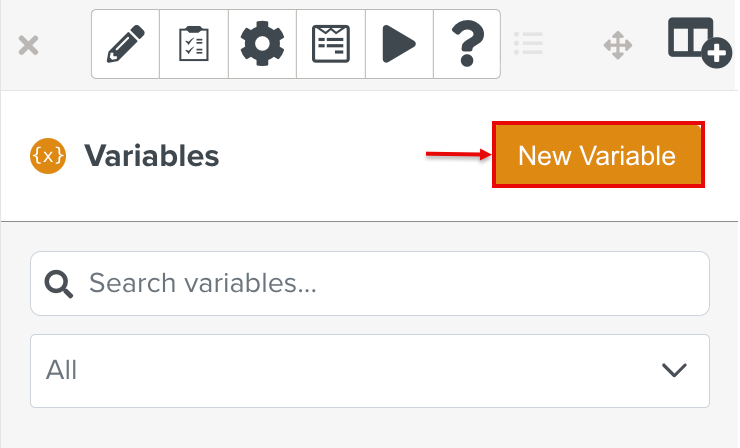
Click .
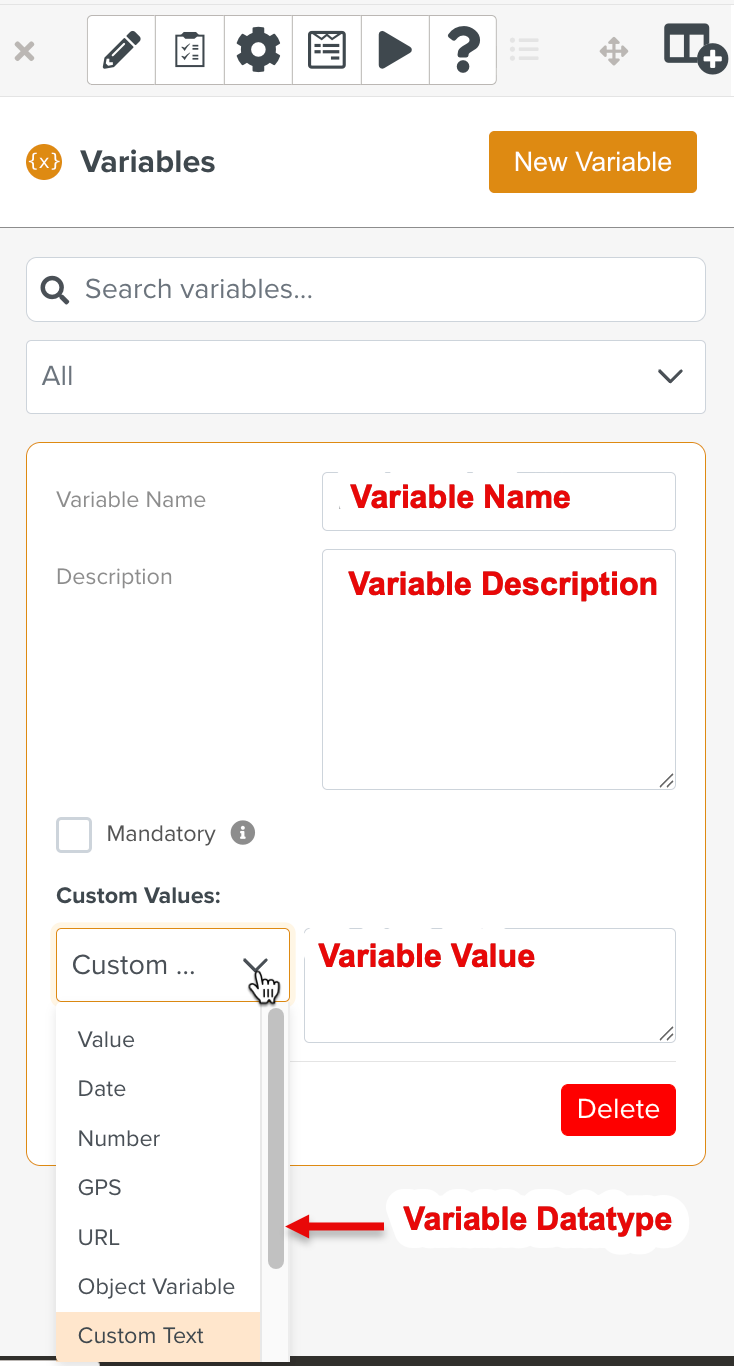
Enter the values for the fields displayed as seen below:
Field
Description
Variable Name
Note
Variable Name is required
Name of the Variable.
It can only contain alphanumeric characters and underscores (_).
Variable Description
Note
Variable Description is optional
A description of the Variable and its purpose.
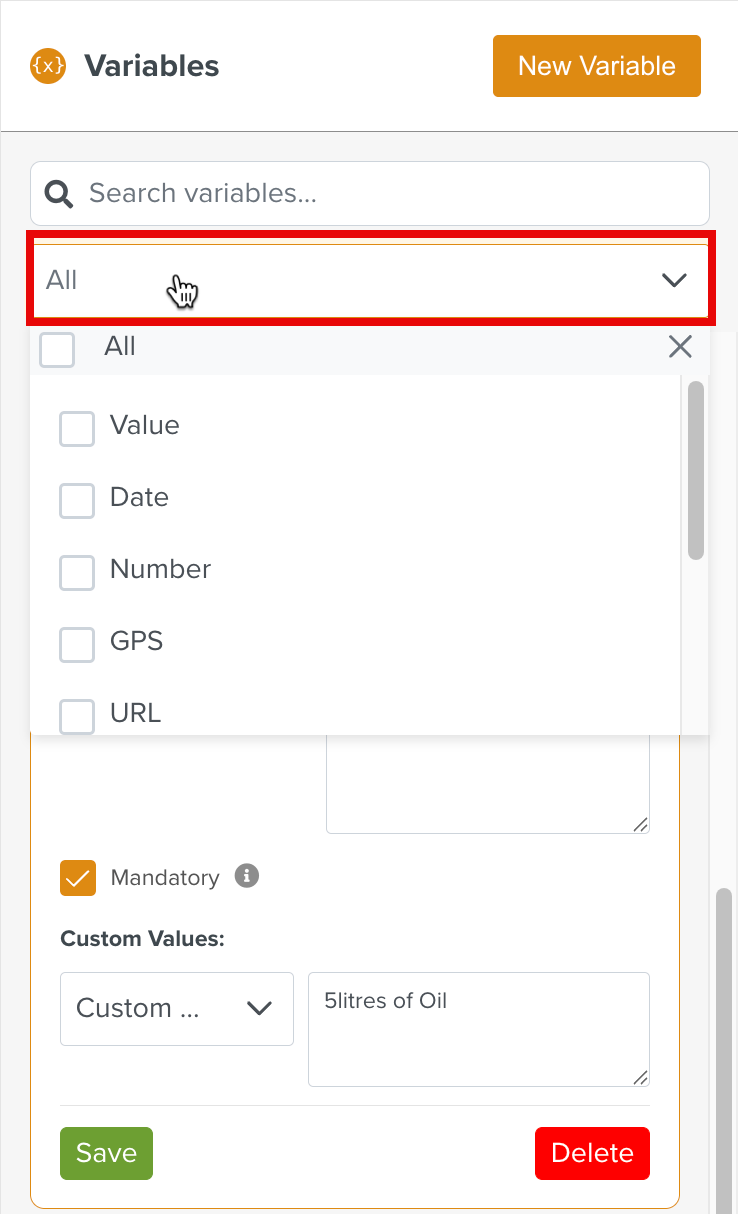
Variable Data type
The following Data Types are available.
Data type
Description
Value
Any text value
Date
Date values
Number
Any numerical value
GPS
GPS value
URL
URL value
Object Variable
Object value
Custom Text
Step text replacement
FL Asset Status
Effectivity
Custom Field
Custom Field values
Mandatory
The variable is optional by default. Selecting the checkbox makes it mandatory.
Variable Value
The value assigned to the variable.
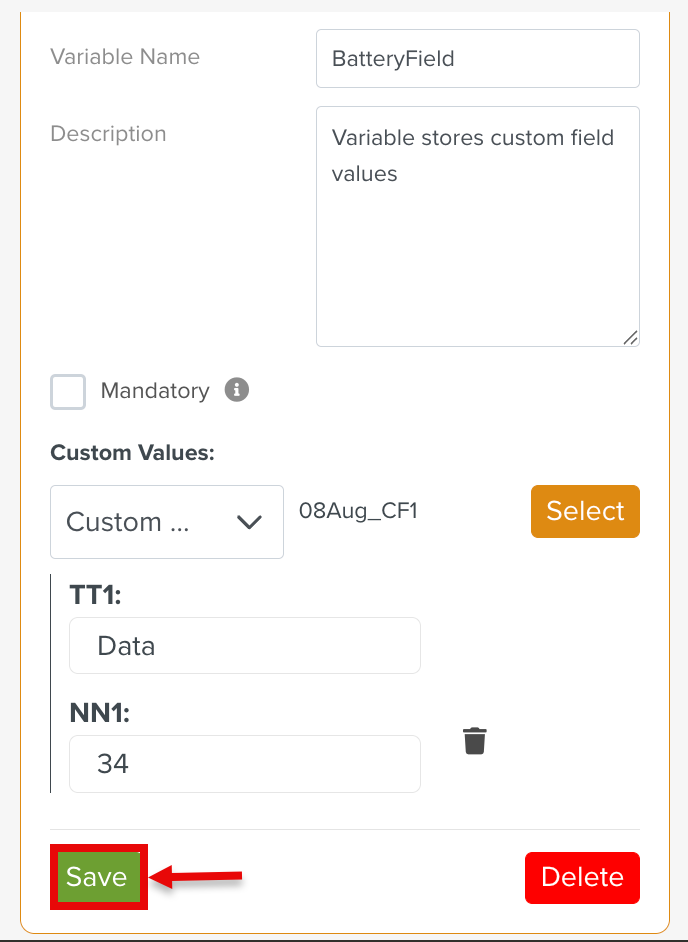
Click Save to save the Variable.
The applied filters persist even after refreshing the browser or switching between different tabs.
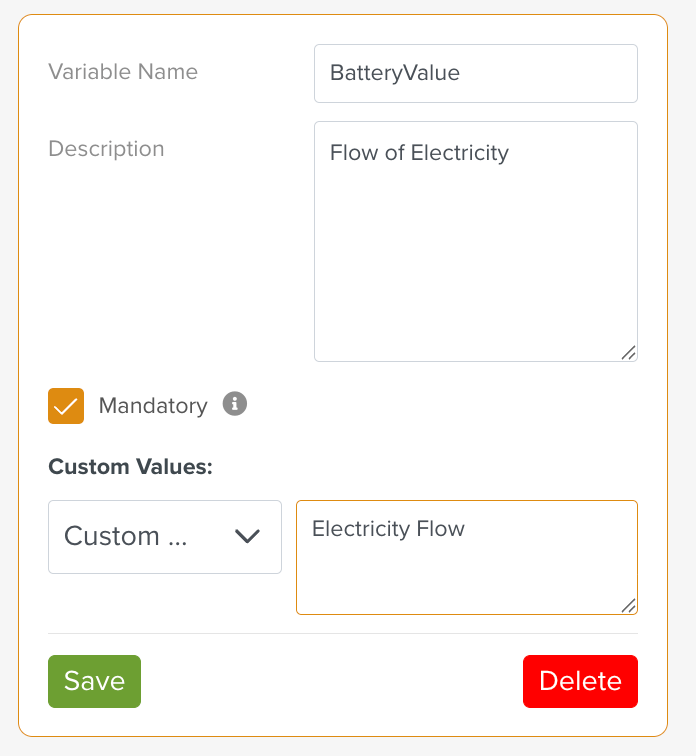
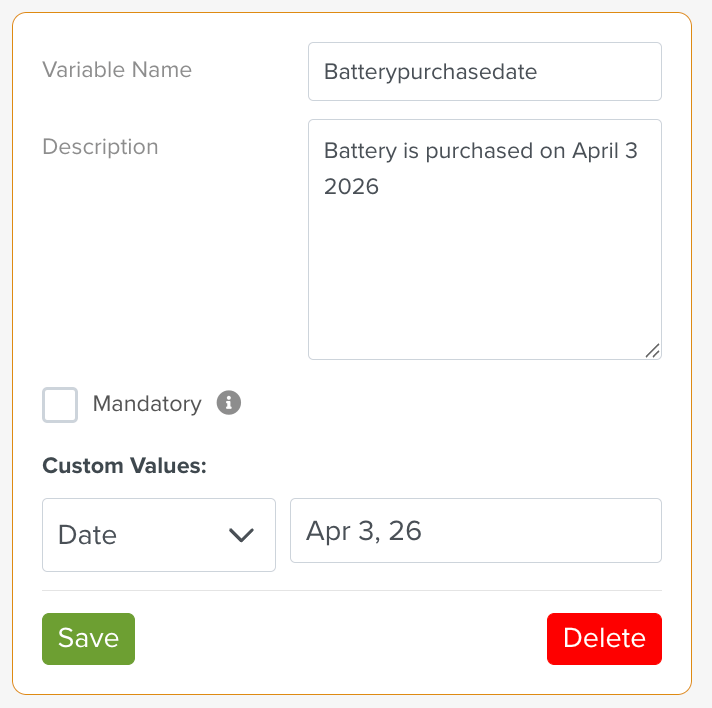
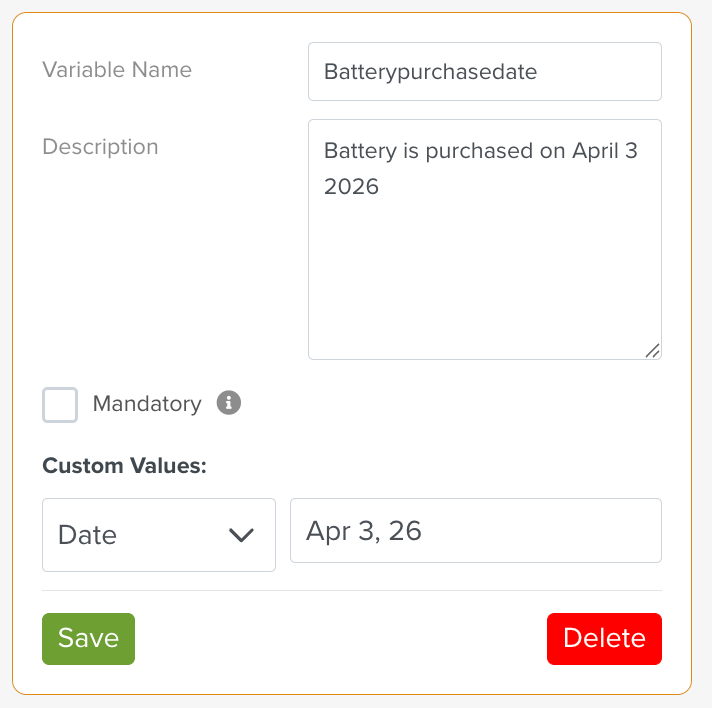
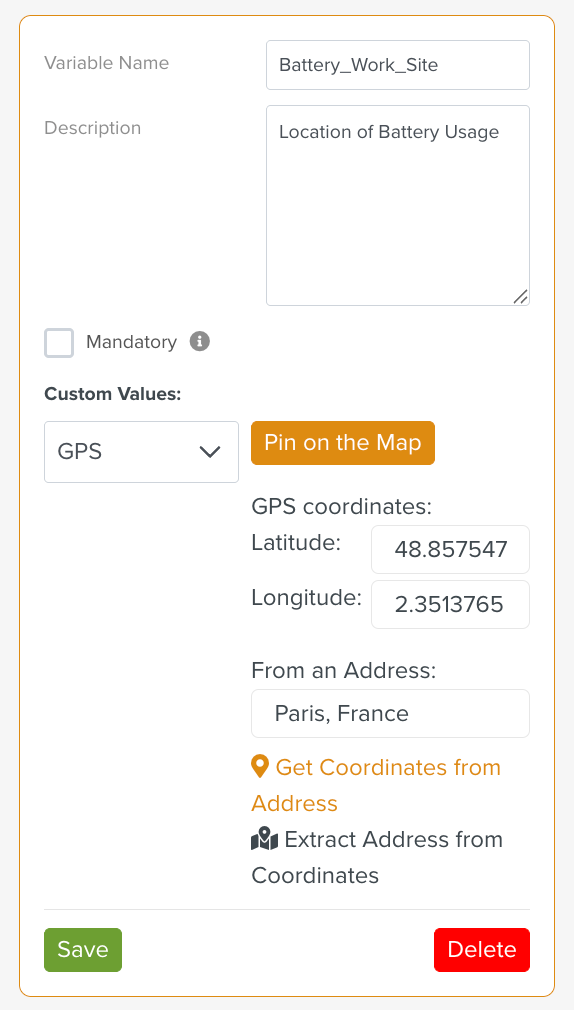
Below are some sample Template Variables.
Variable Description | Variable | |
|---|---|---|
A variable of type | This Variable stores a text value.
| |
A variable of type | This Variable stores a Date value.
| |
A variable of type | This Variable stores any number, including decimals.
| |
A variable of type | This Variable stores address information.
| |
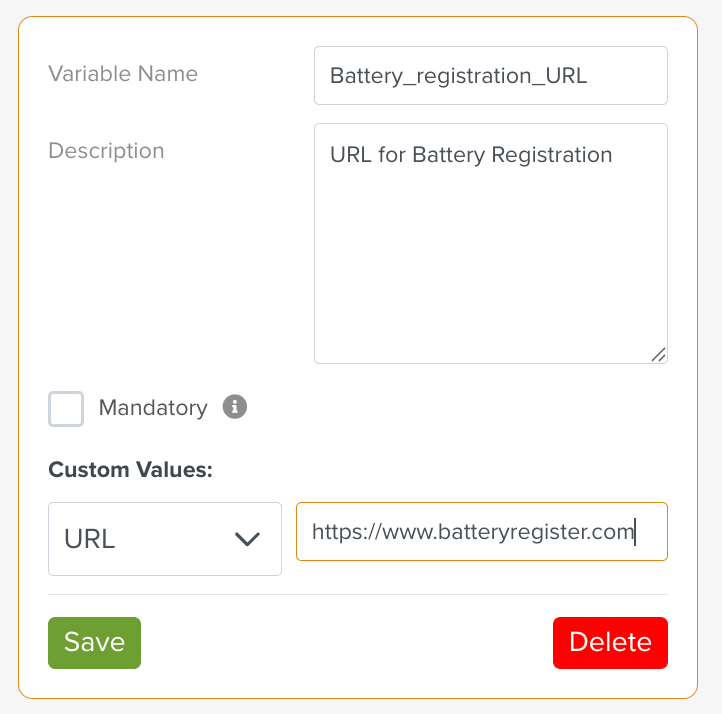
A variable of type URL | This Variable stores a URL.
| |
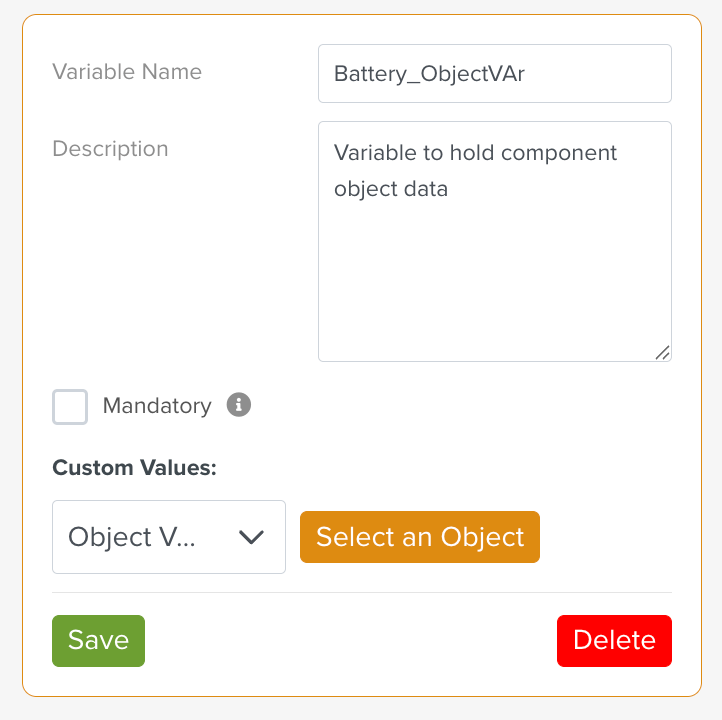
A variable of type Object Varable | This Variable holds an Object Variable type.
| |
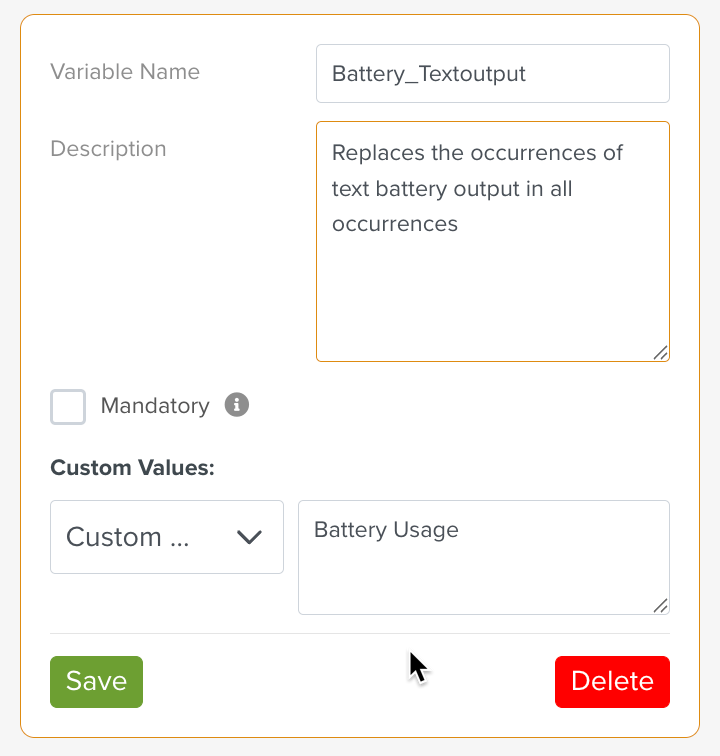
A variable of type Custom Text | This Variable replaces selected text in Steps with the specified text replacement.
| |
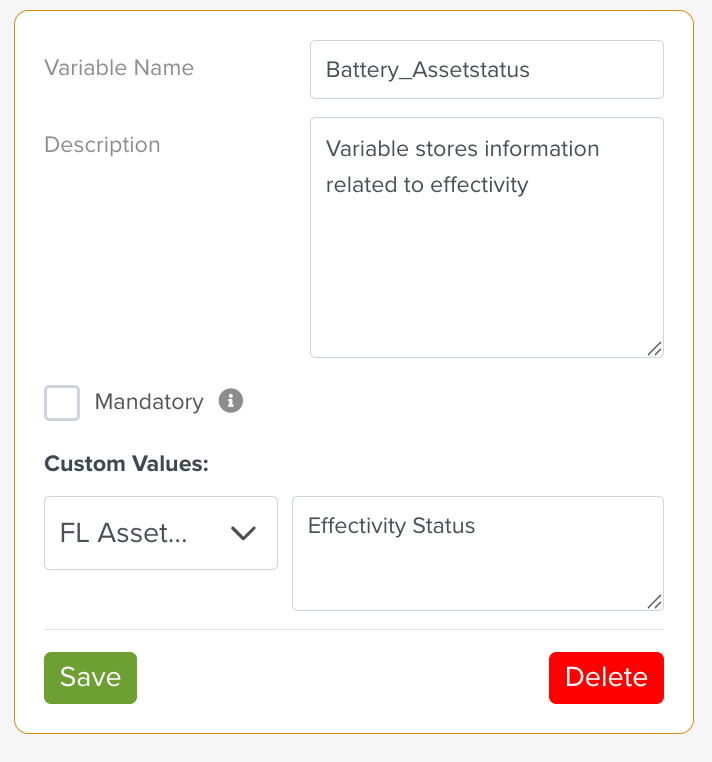
A variable of type FL Asset Status. | This Variable Asset Status stores information related to Effectivity.
| |
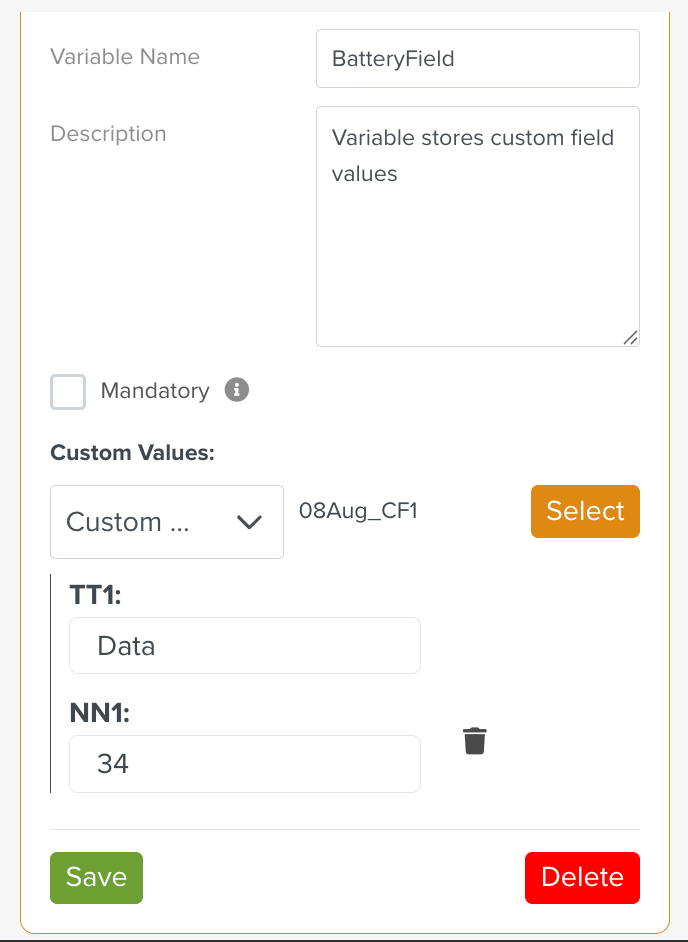
A variable of type Custom Field. | This variable stores Custom Field values.
NoteCustom Field data type enables users to parameterise the Custom Field details using Template variables. |