Browsing through Existing Manuals
The Manual Catalog Management page enables you to browse through existing Manuals.
Note
You need to have a Security Role with Rule, Manual Catalog - Read to browse through Manuals.

To browse through a Manual:
From the main menu, go to > > .
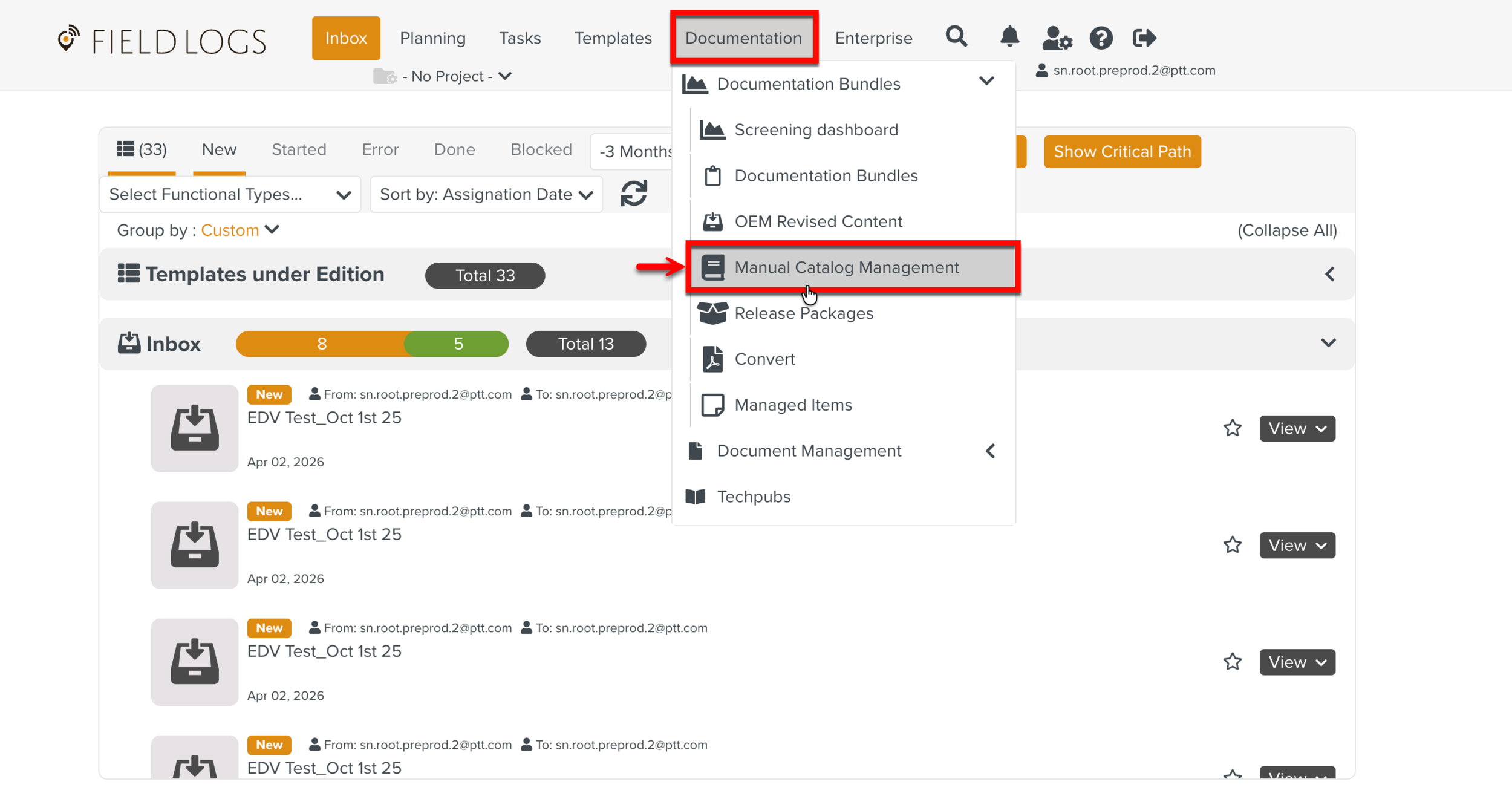
Select the Manual Describer associated with the Manual.
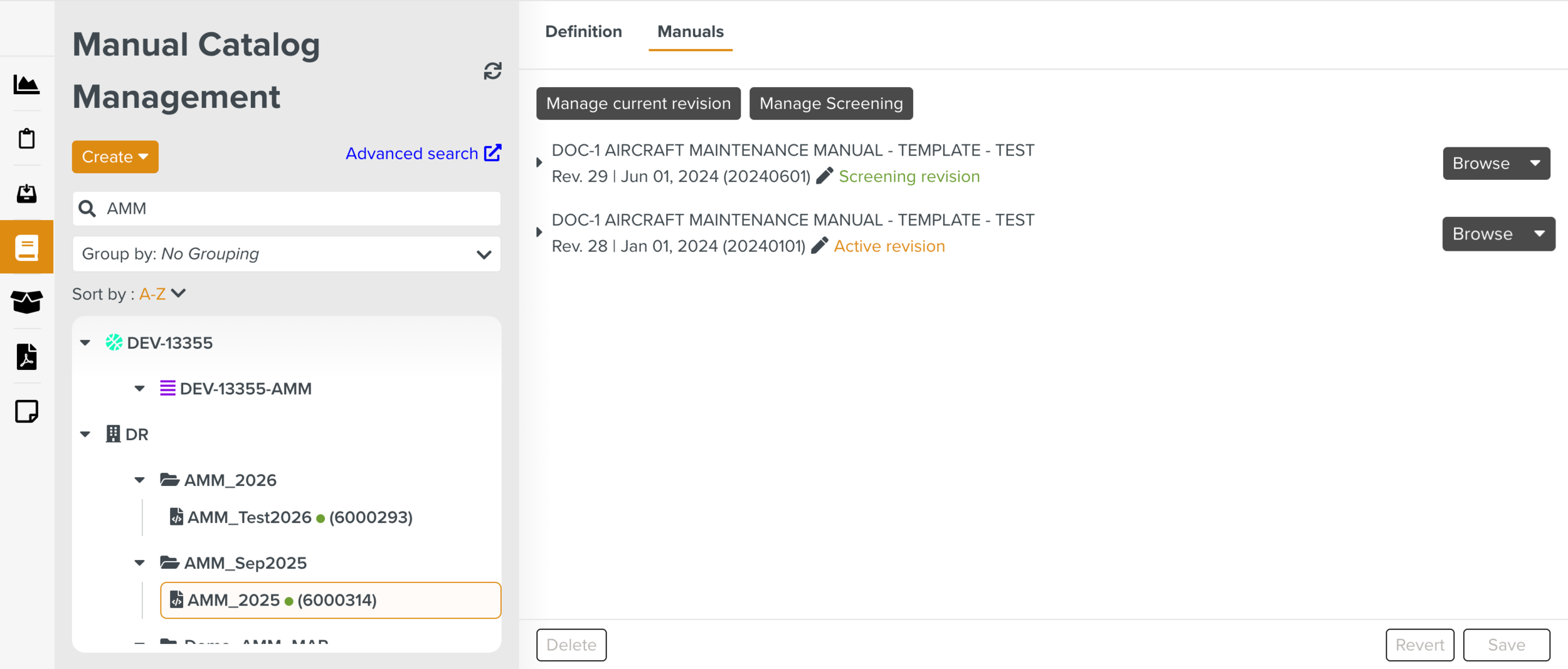
The details of the Manual appear in the tab Manuals.
Click on the required Manual revision to view the content.
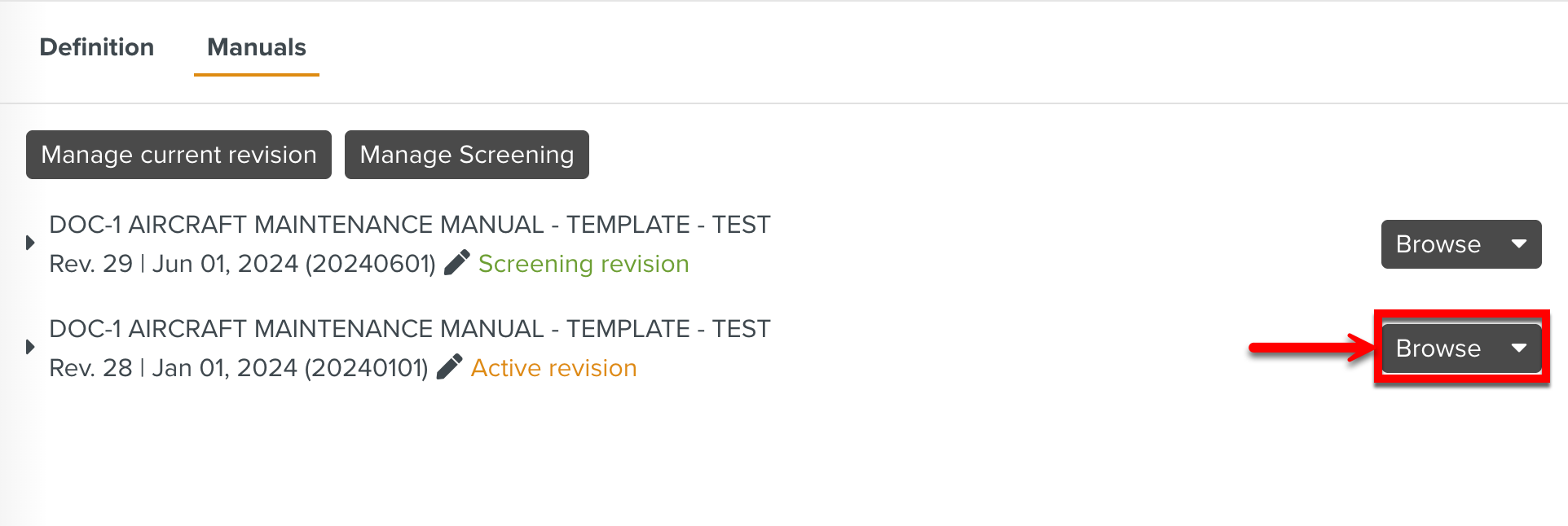
The option is available for Available, Active and Screening revisions.
The structure of the content is displayed.
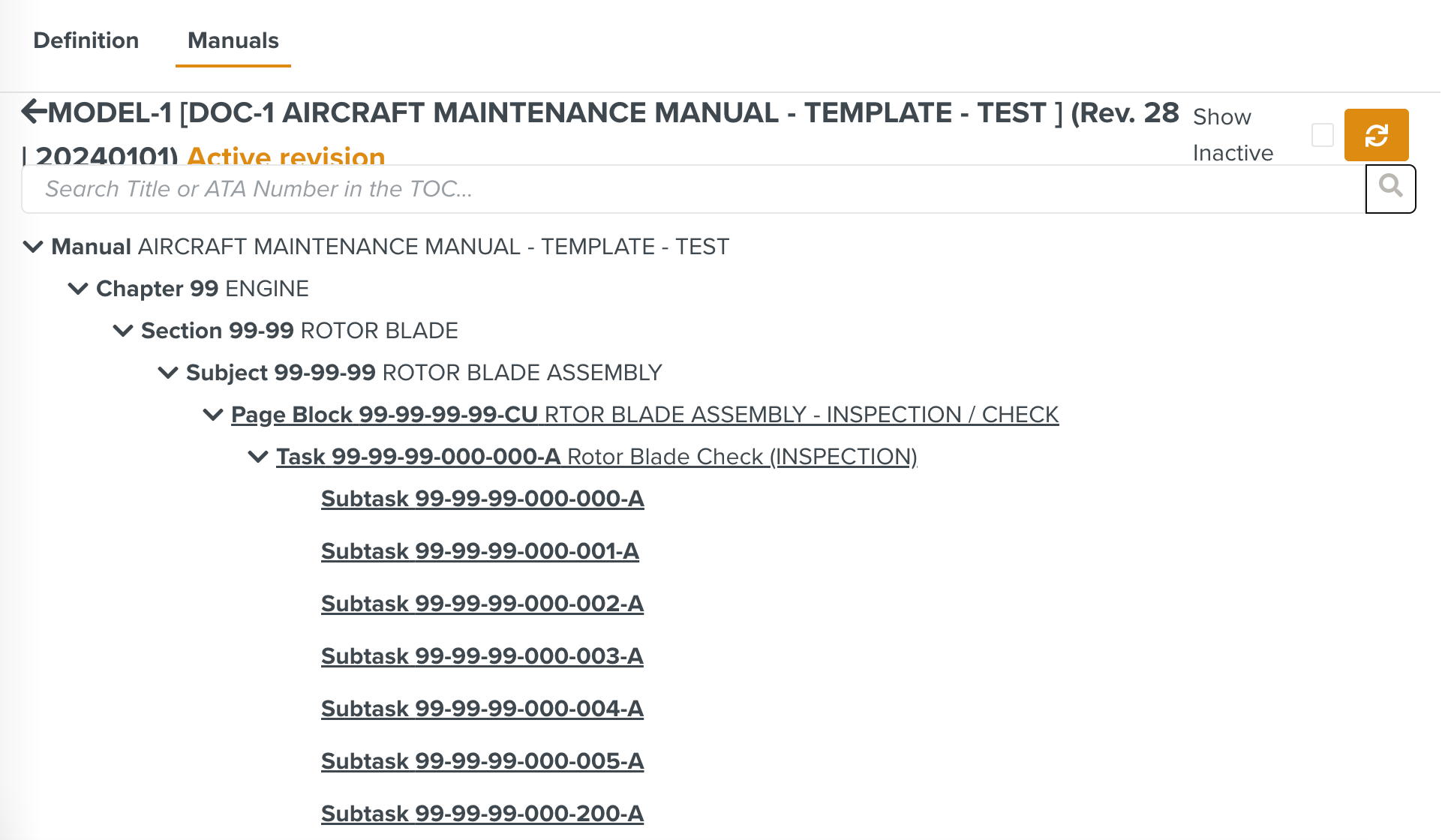
There are different elements in the structure (Tasks, Subtasks, Page Blocks, etc.). Hovering over the elements display the three options highlighted below.

COCs Management
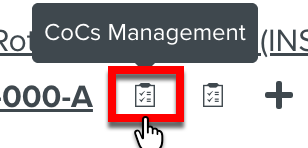 lists all the Customer Oriented Changes (COCs) linked to the selected element, including their versions and the current status in the Template Versions Edition tab.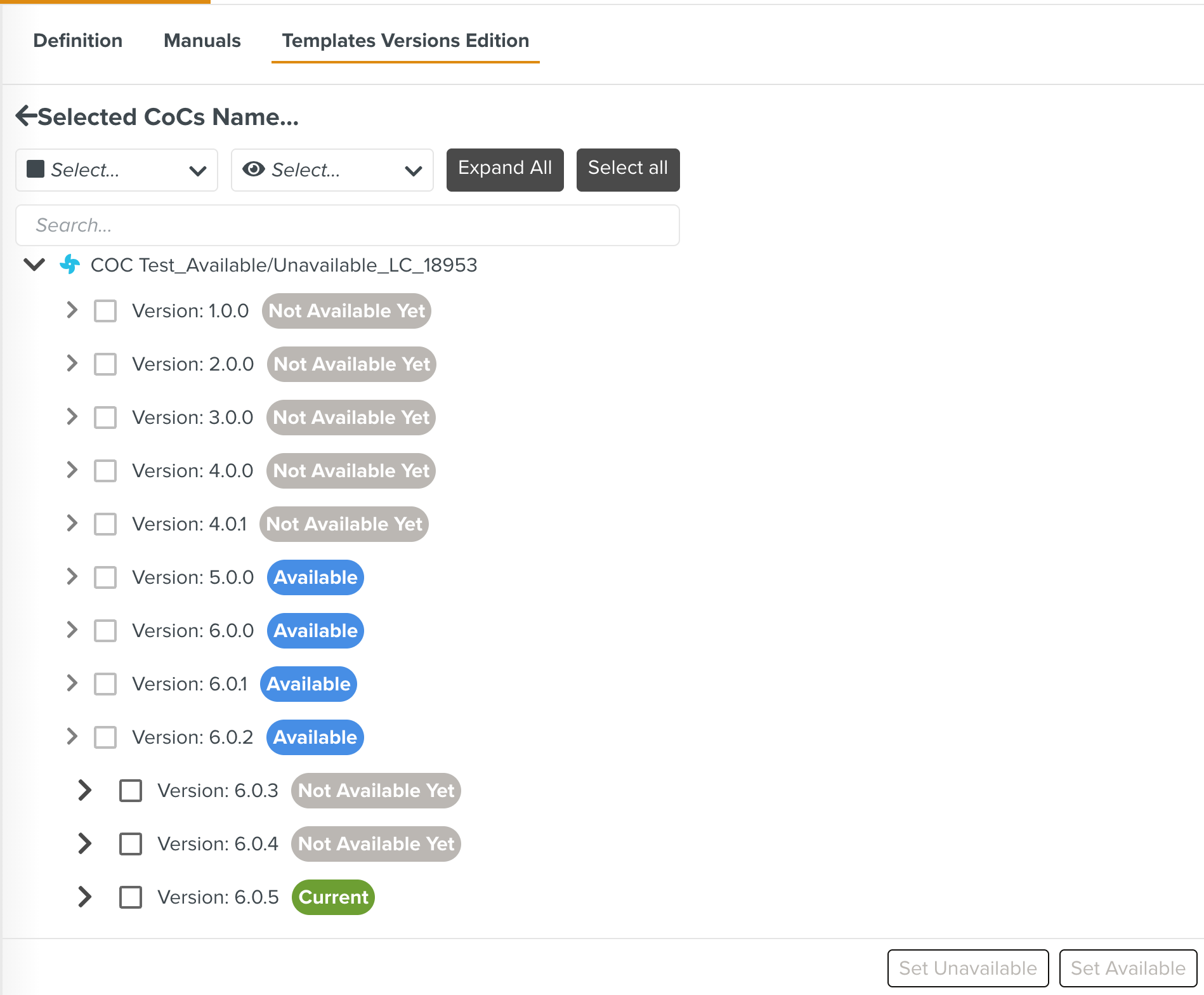
CoCs Stage Release
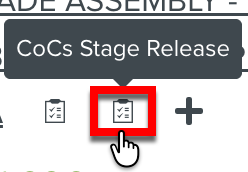 displays only the versions of the COCs that have not yet been released.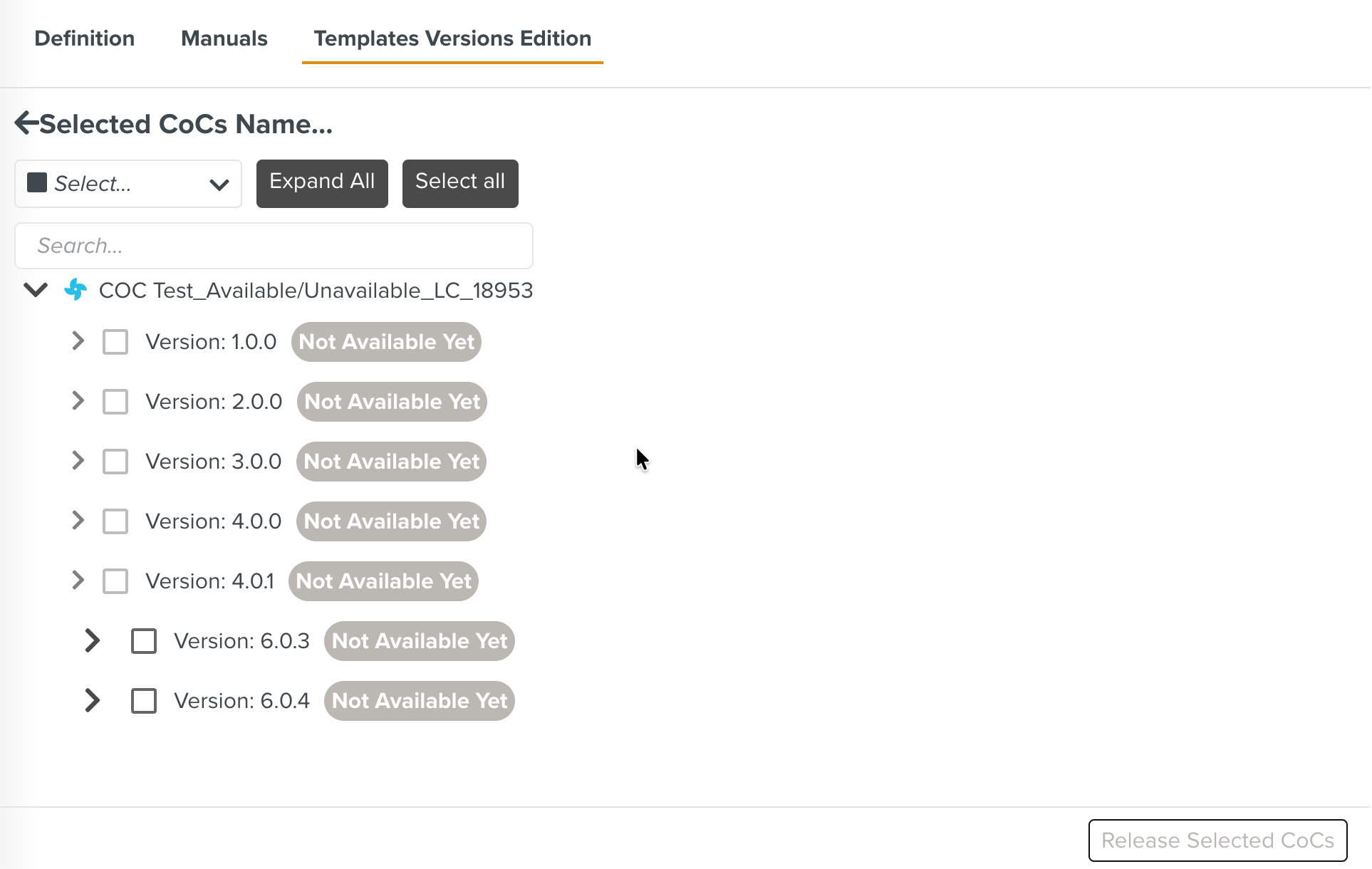
Create a new CoC
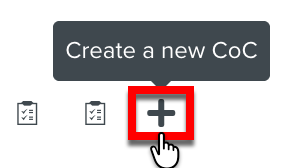 allows you to add a COC directly to the OEM Manual structure.
Note
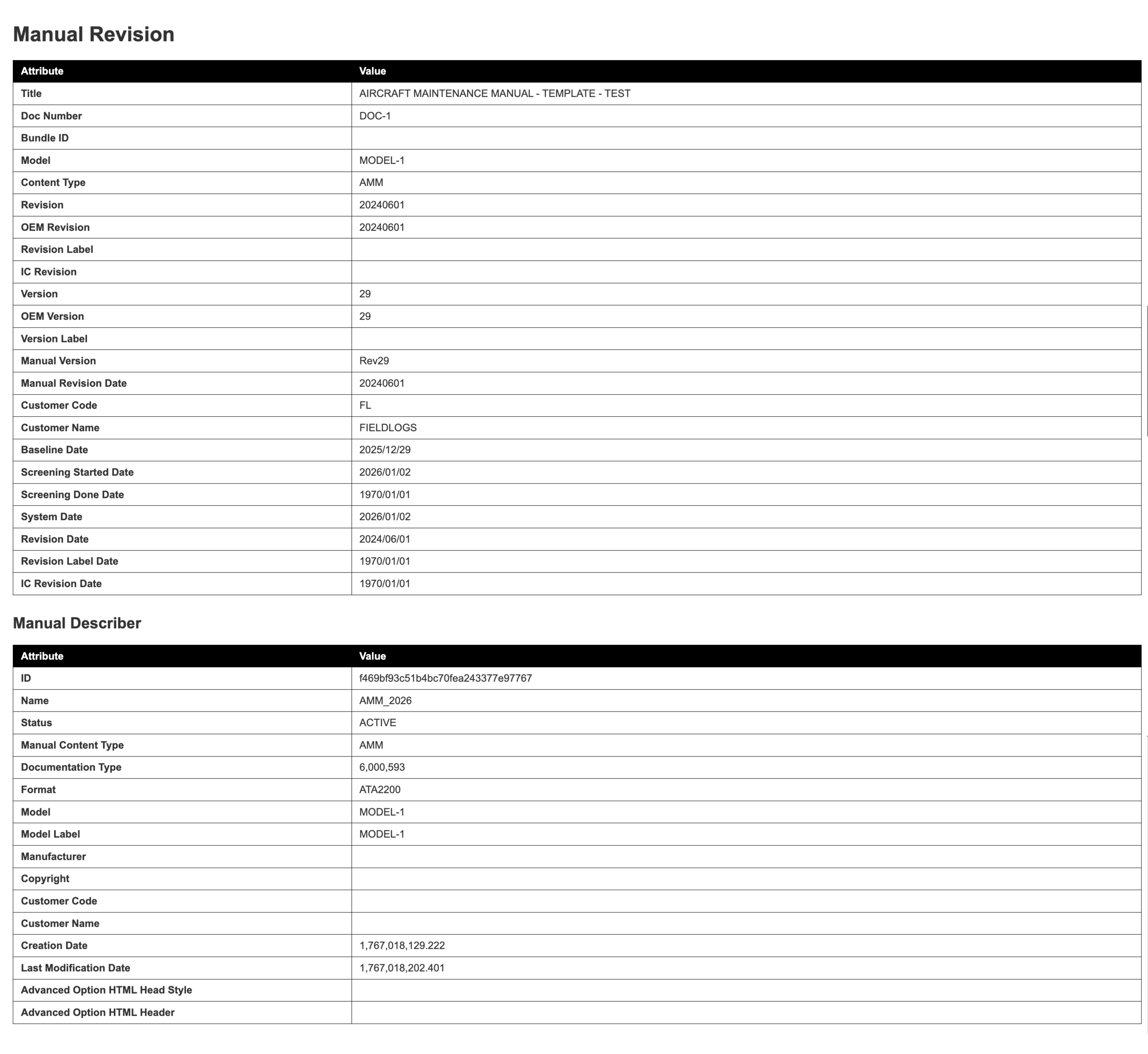
Reports are formatted for HTML viewing.
Click on any link to view the content of that part of the Manual.
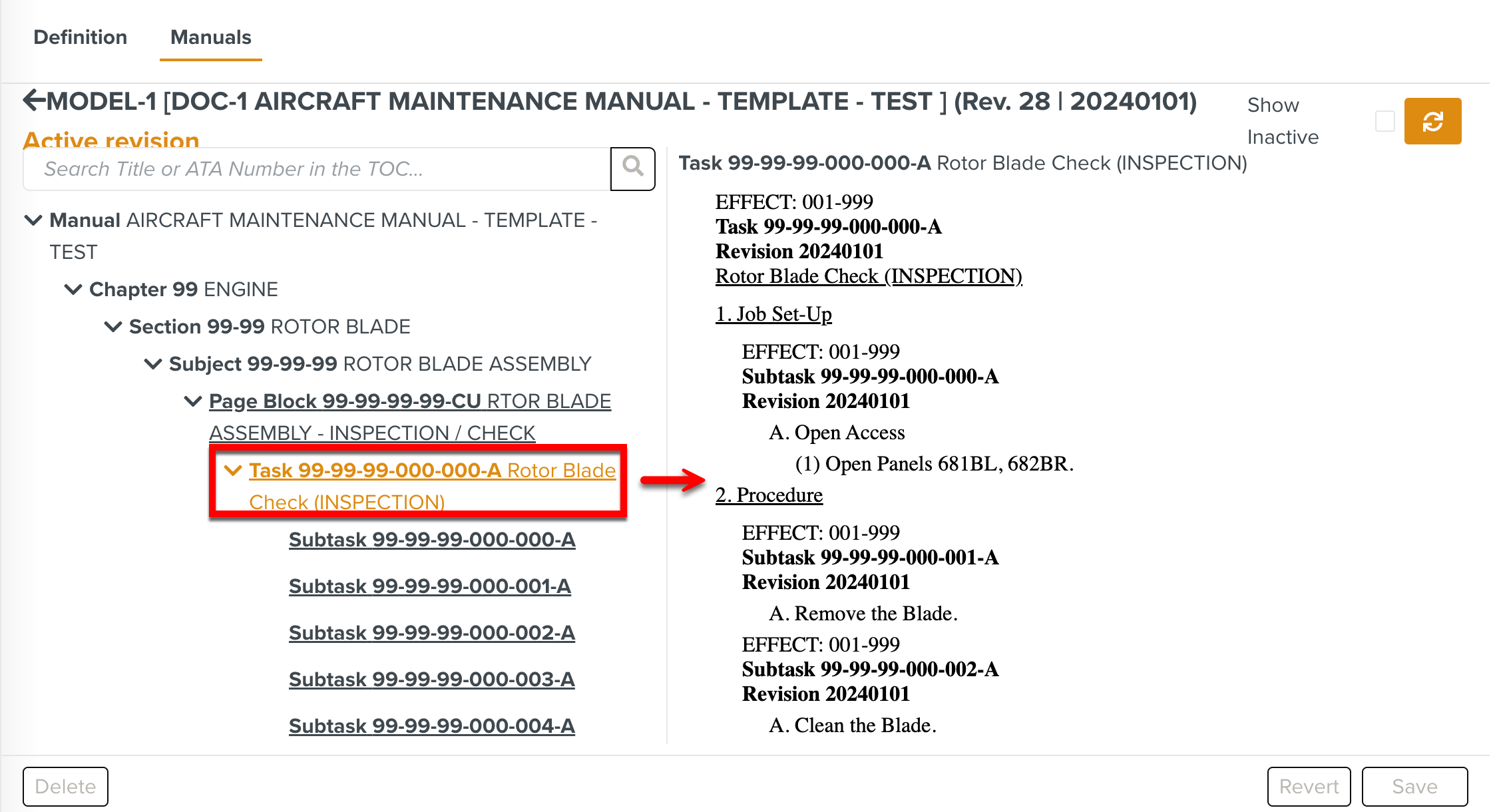
The contents of the Manual are displayed.
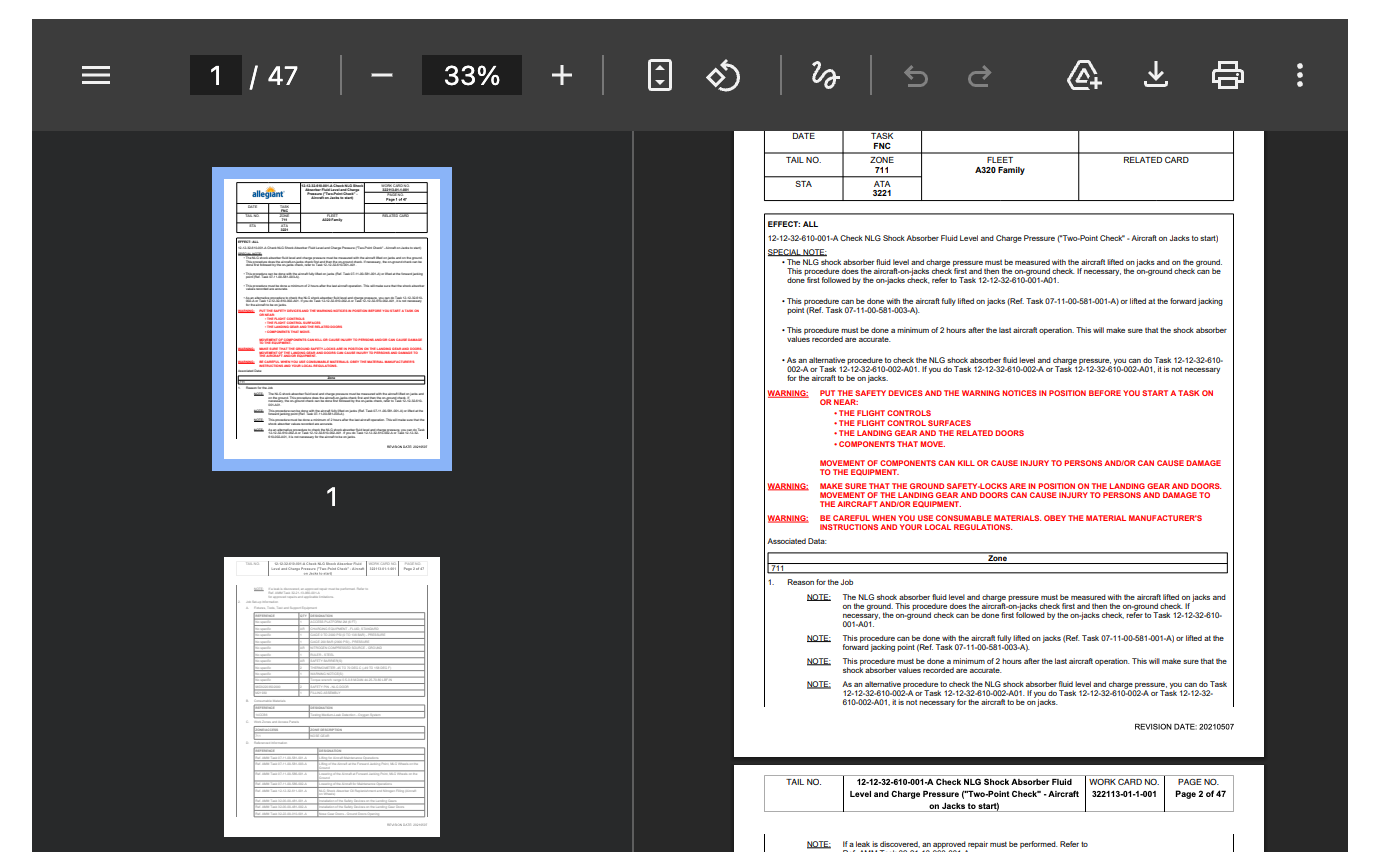
For PDF content, standard viewing options are provided as shown below.
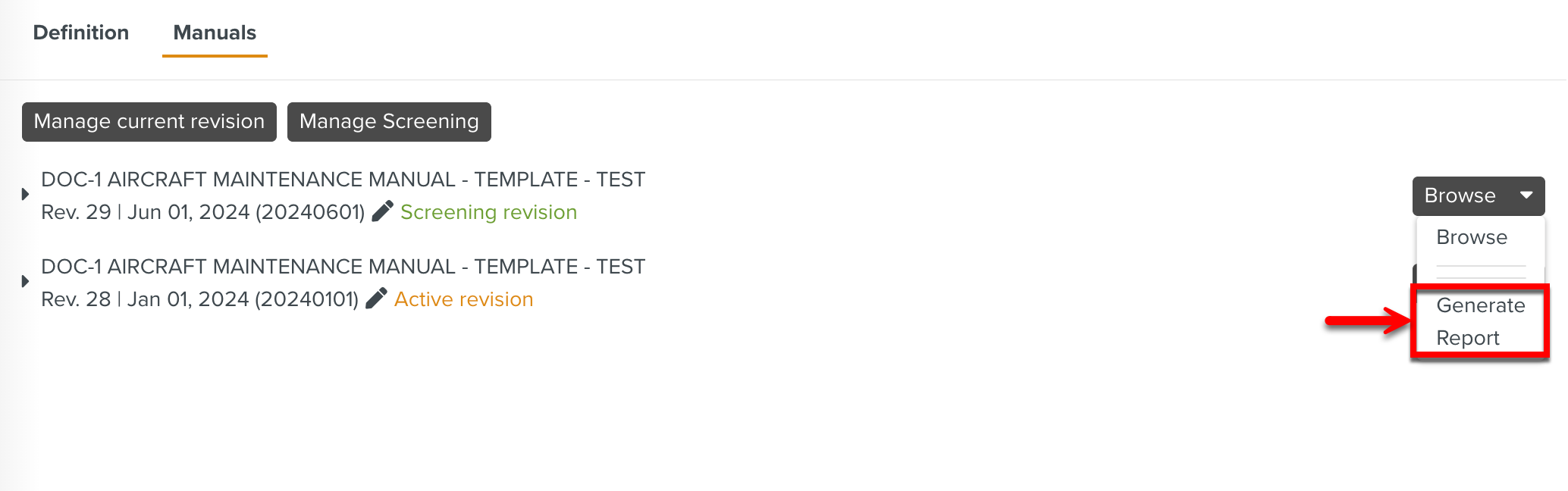
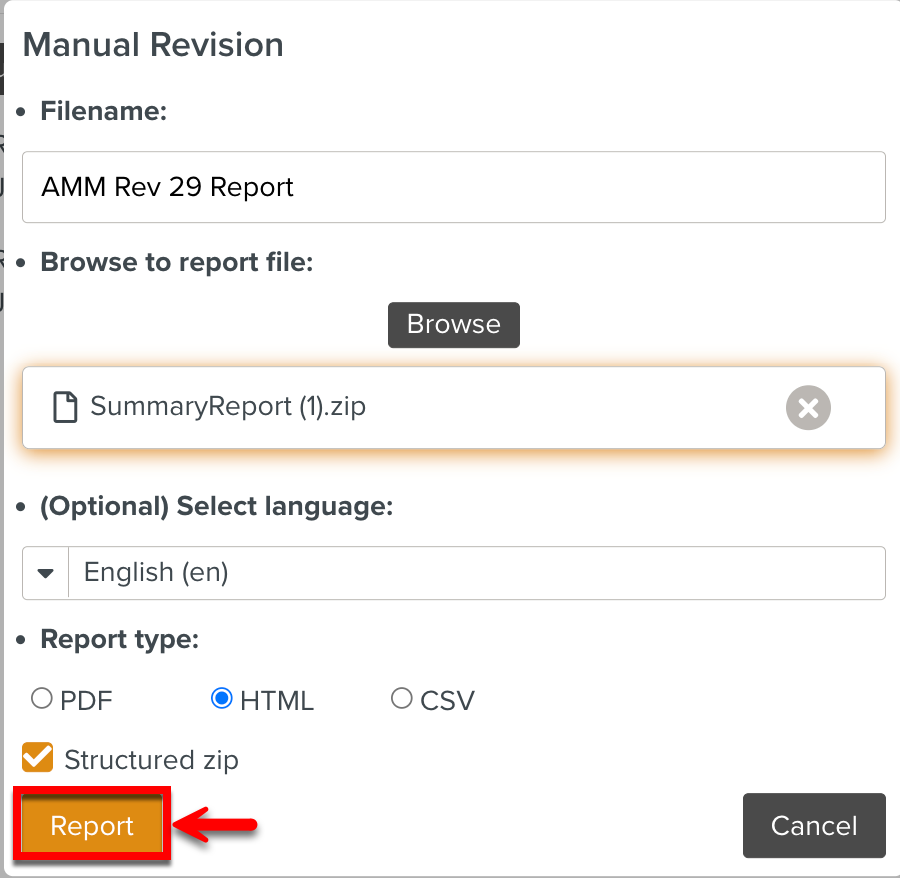
To generate a Report from a Manual Revision, expand the button and click the Generate Report option.