Viewing the Process Flow Tasks
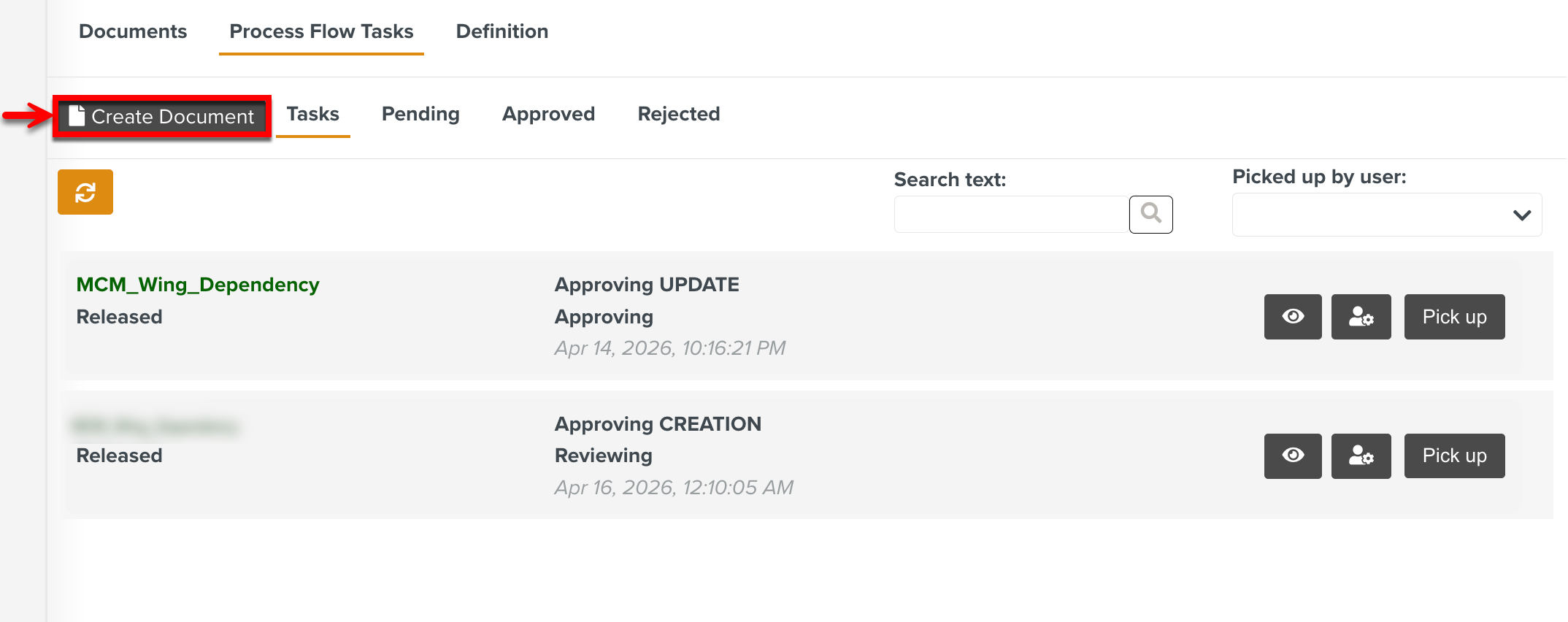
The Approval Tasks specific to the Document Management Space are listed in the tab Process Flow Tasks. You can pick up the Approval Tasks and move them through different stages of approval.
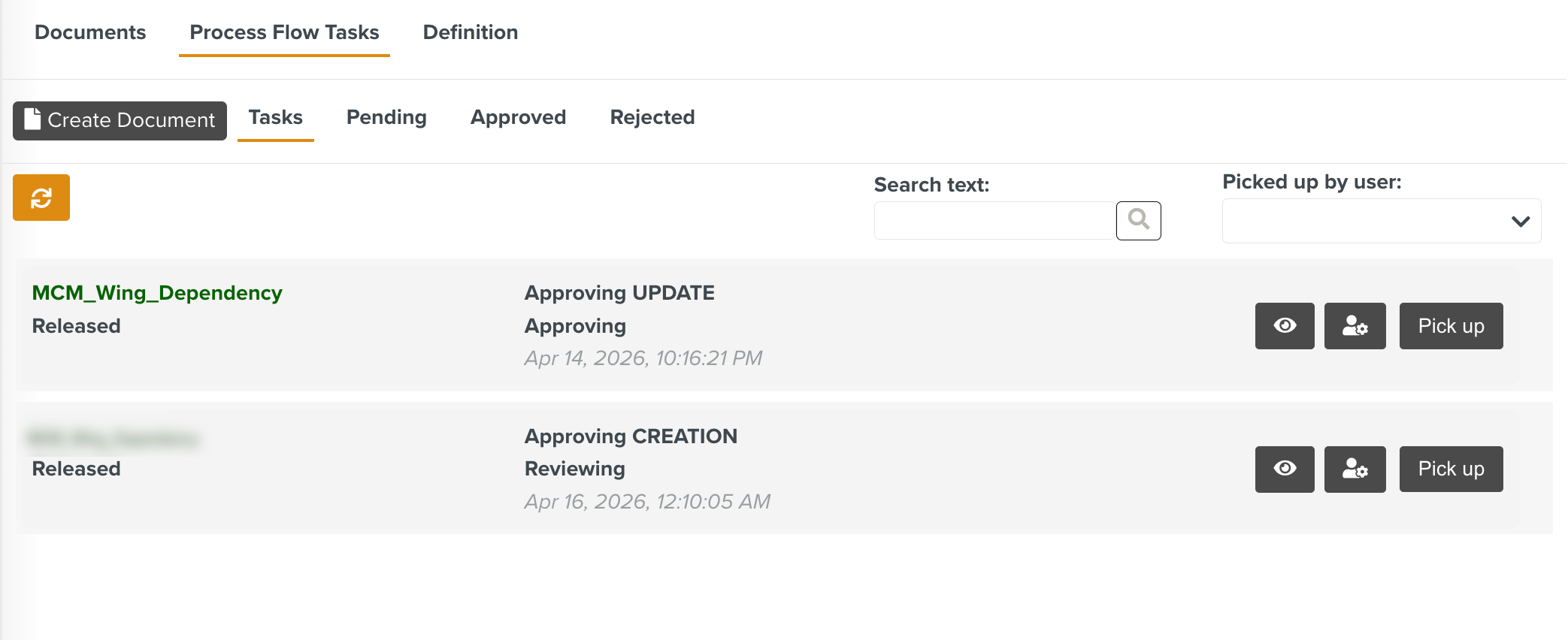 |
The tab Tasks lists all the Approval Tasks on which you can take action, provided you have the required authorization. You can view the Task information, including the process and document data relevant to each Task. Based on the settings, you can also perform required updates and modifications to the Document within the process before the final approval.
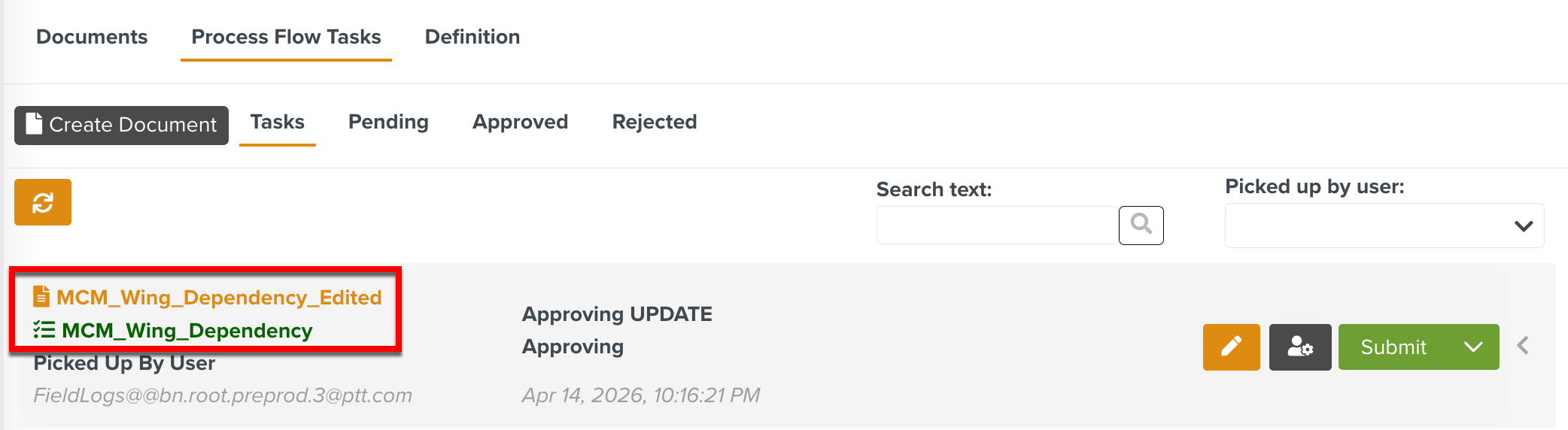
If the Document name is modified in the edition Task, it is updated in the Task name as shown below.
 |
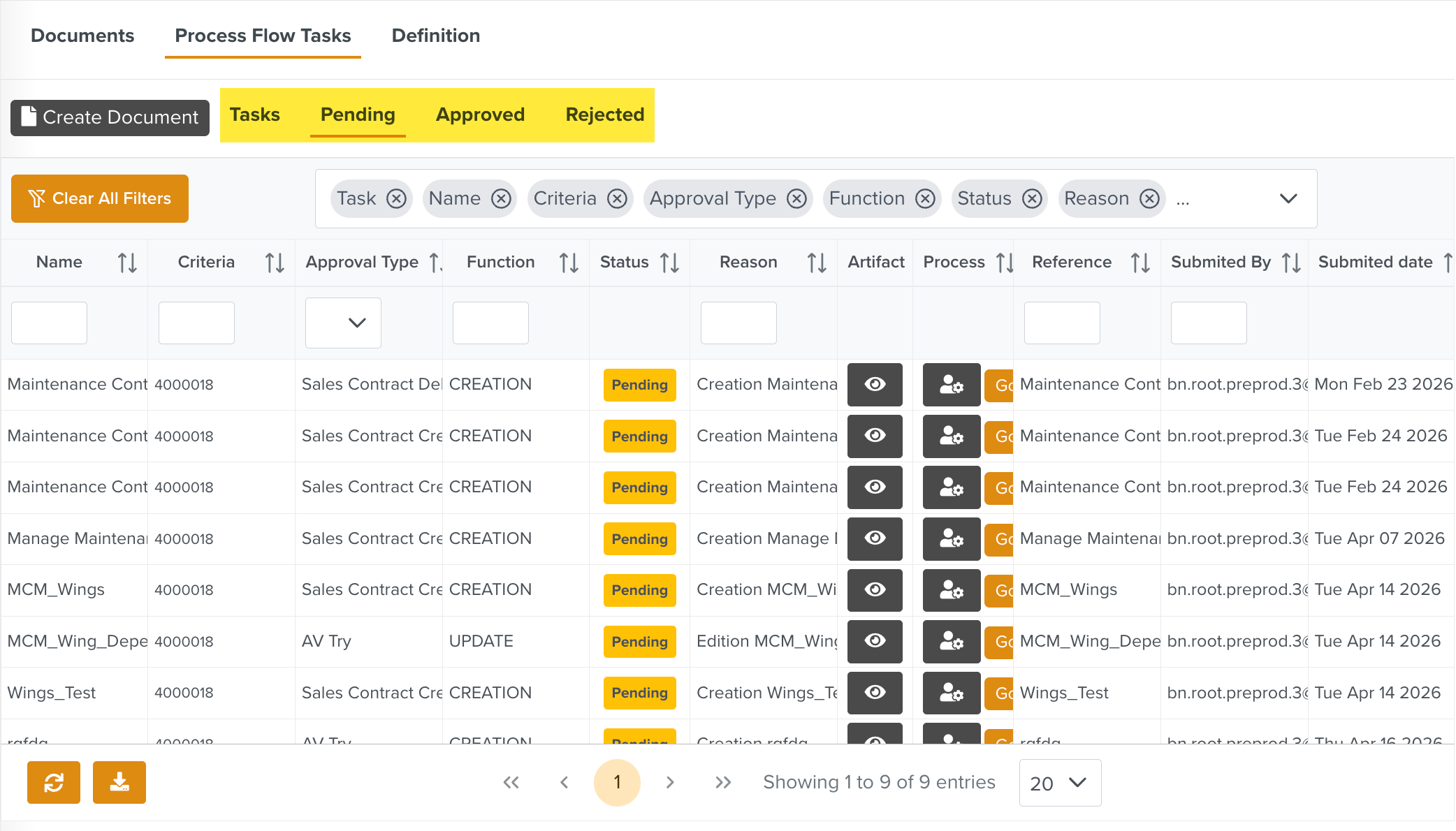
Multiple tabs to track the Tasks in different statuses are available similar to the Approval Manager Dashboard.
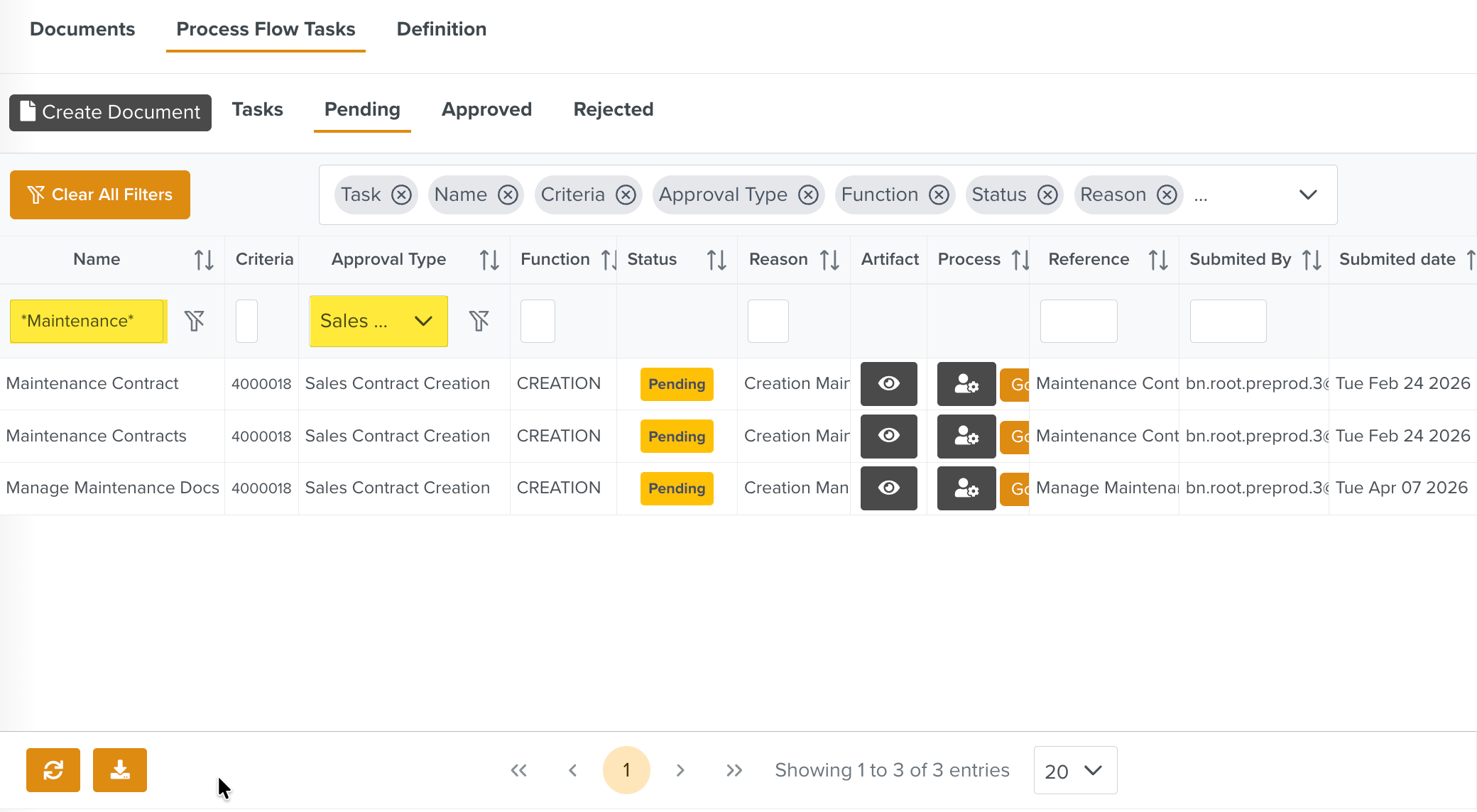 |
Use the filters and search options available in the columns to narrow down your search results as highlighted below.
 |
You can upload new Documents to the Document Management Space using the button.
 |