Adding Access Rights for Manual Catalog Management
To perform Manual Catalog Management operations, the user must be associated with a Security Role that has the appropriate access rights.
The table below lists the access rights and the corresponding actions available.
Securable Objects | Access Rights | Available Actions |
|---|---|---|
Web UI | Documentation Bundles | Grants access to the UI pertaining to Documentation Bundles. |
Manual Catalog Management | Grants access to to the UI pertaining to Manual Catalog Management. | |
Manual Catalog | Advanced Option | Grants access the Advanced Options section in the Manual Describer Definition. |
COC Admin | Enables the CoCs Stage Release option on the Manual elements. | |
Read | Grants access to view or browse through the Manual content in the Manual Catalog Management. | |
Write | Grants access to upload the Manuals and manage the revisions. Enables the CoCs Stage Release and CoCs Management options on the Manual elements. | |
All | Grants access to perform all operations related to Manual Catalog Management. Enables the CoCs Stage Release and CoCs Management options on the Manual elements. |
To add the Manual Catalog Management access rights to a Role:
On the main menu, go to > >
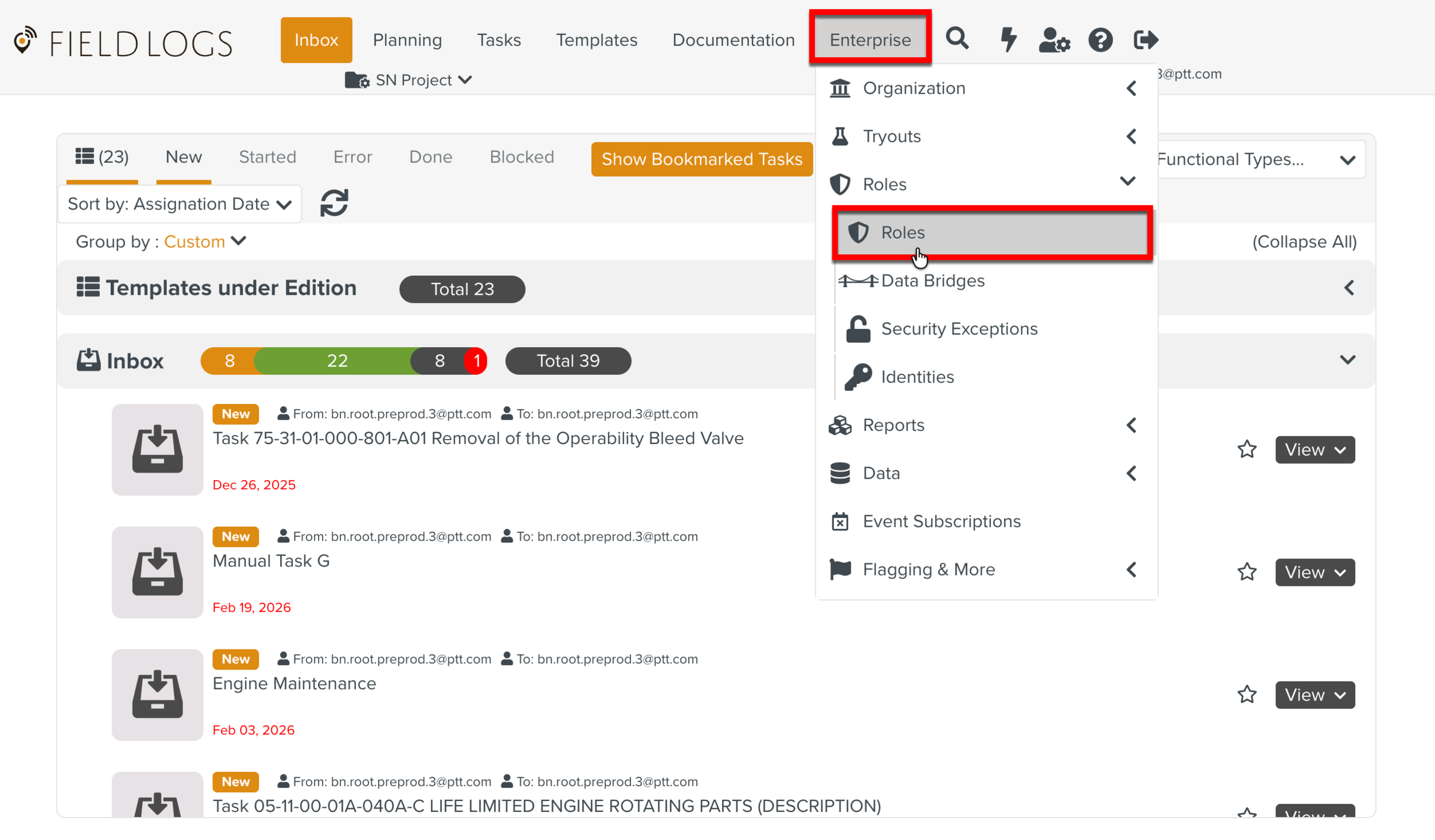
The Roles page opens.
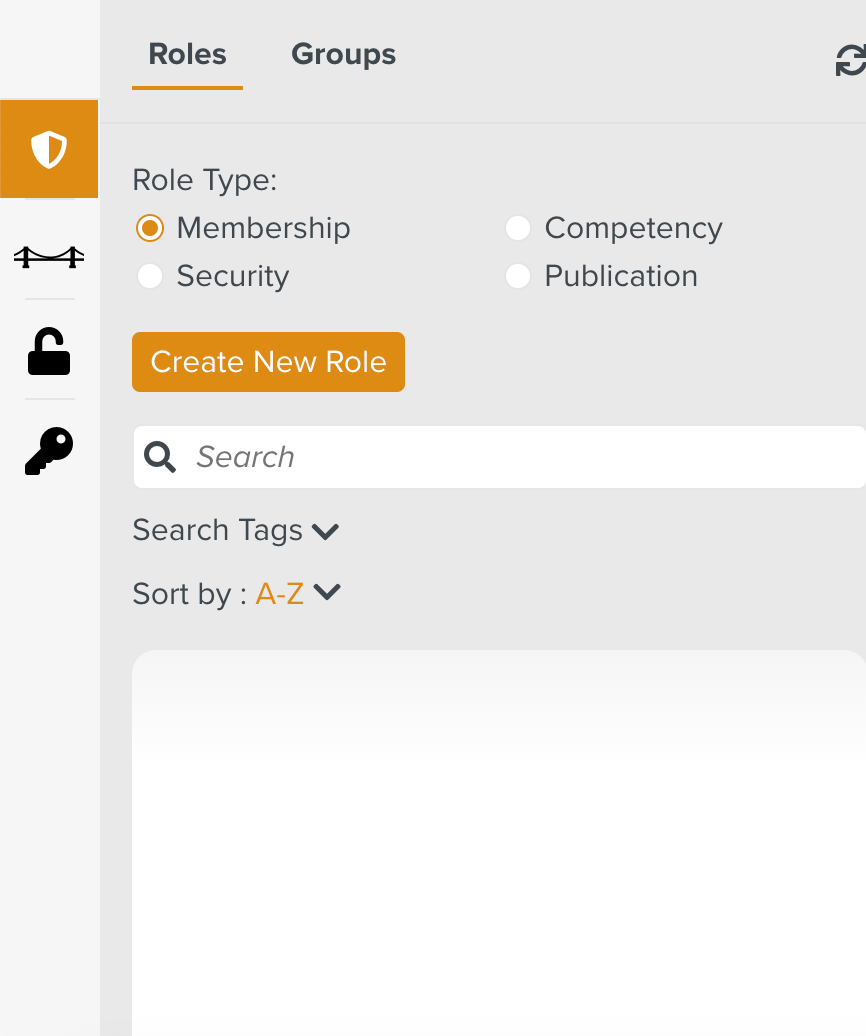
Check from Role Type as shown below.
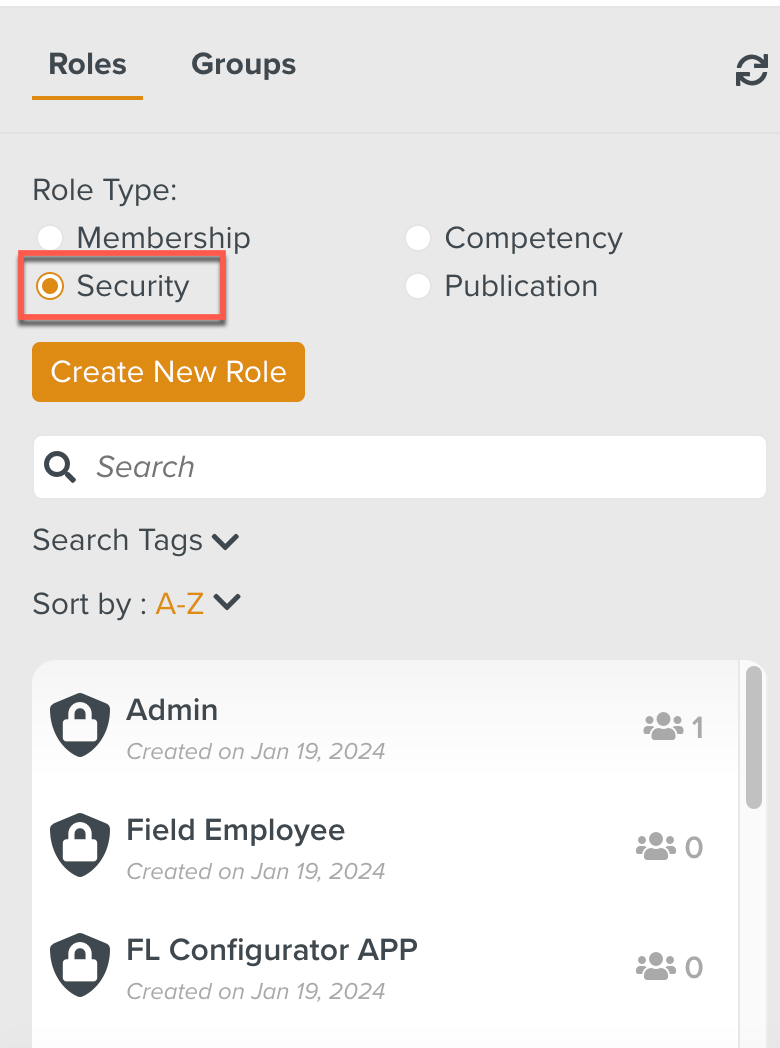
All the Roles in the Security Role Type will be displayed.
Select the Role to which the Manual Catalog Management access right is to be added.
In the below example, the Role OEM Doc Viewer is associated with the user that requires this access right.
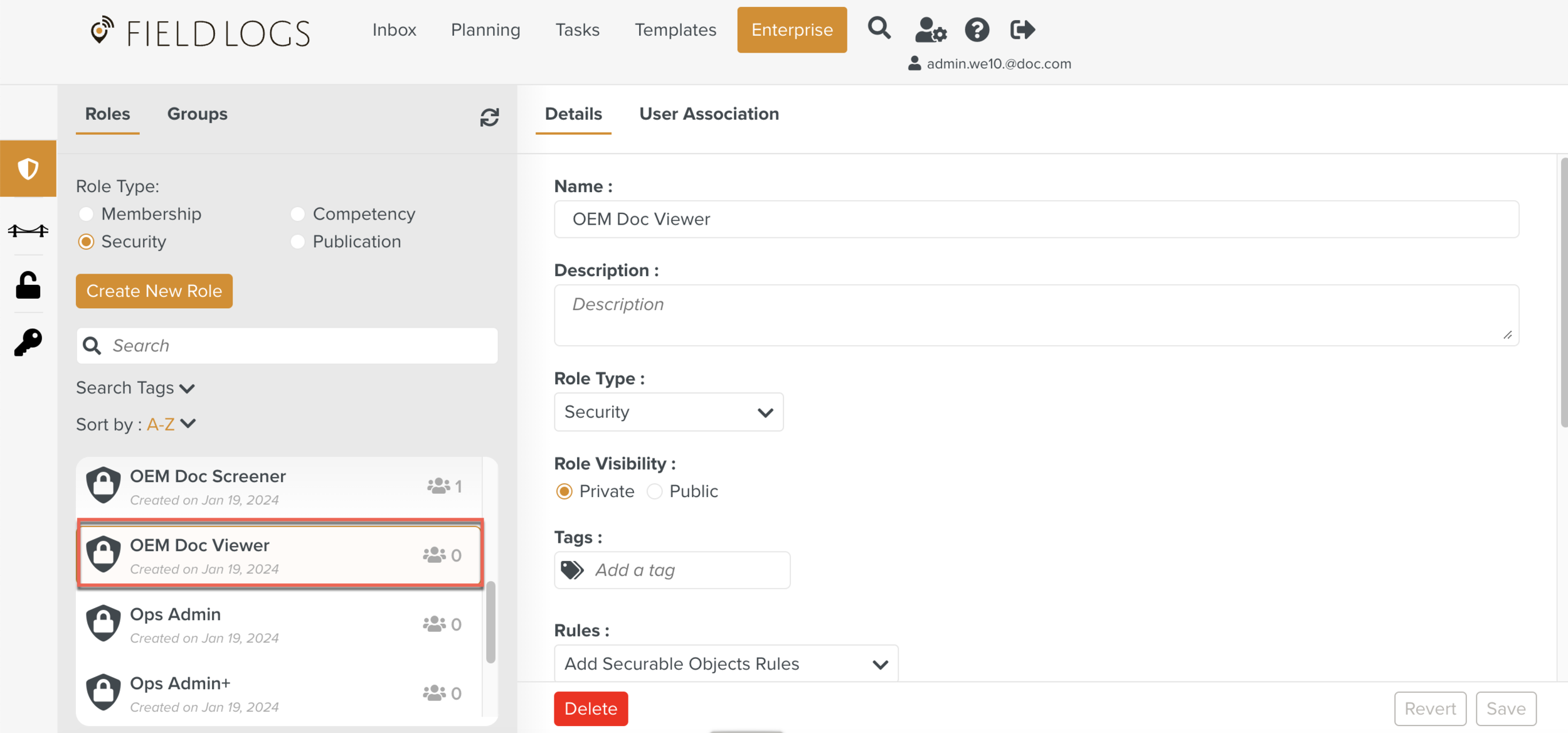
The details of the Role are displayed.
Click against the Securable Object Documentation Bundles.
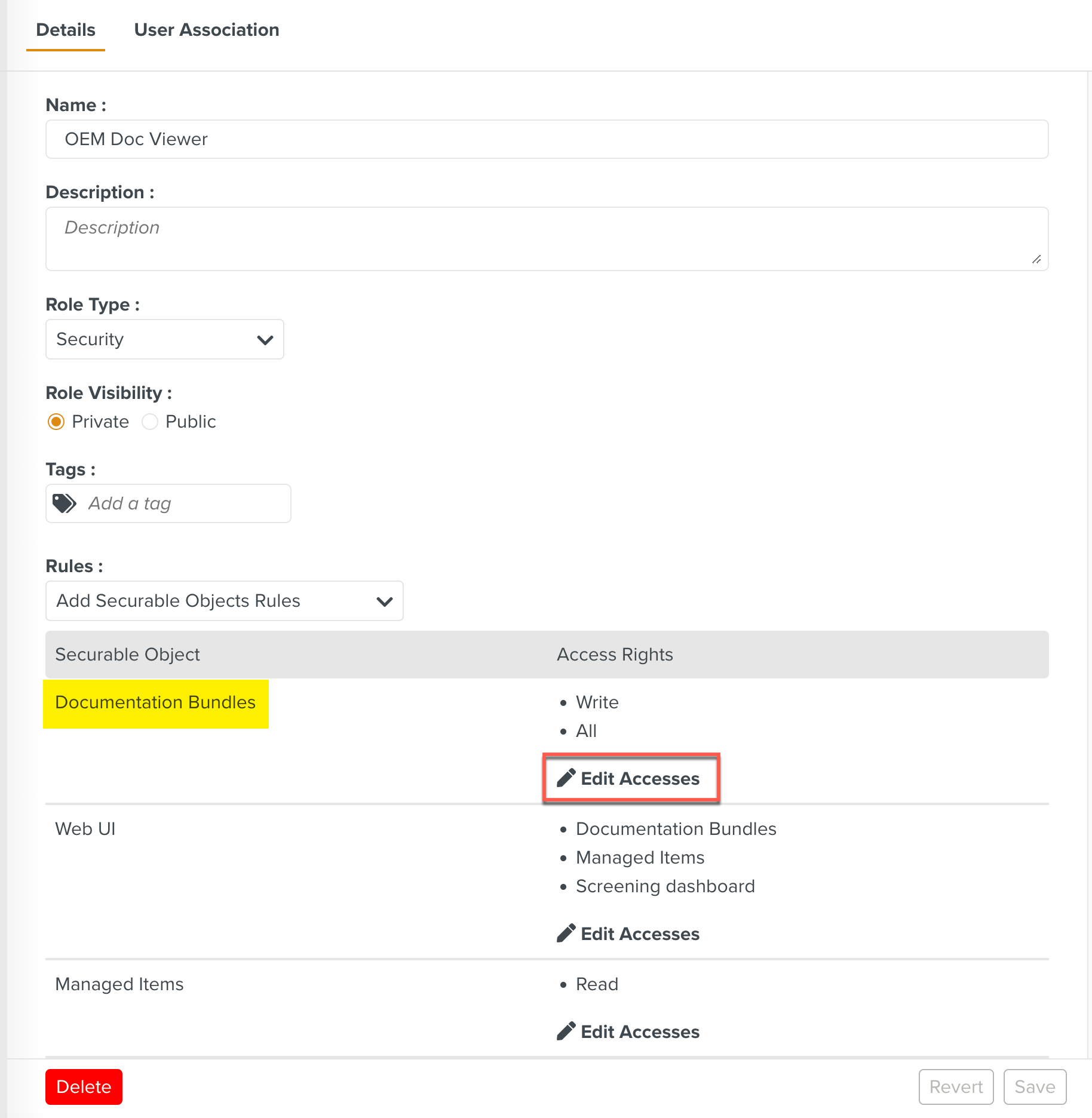
The list of all features that are secured by access rights appear.
Check the Read option.
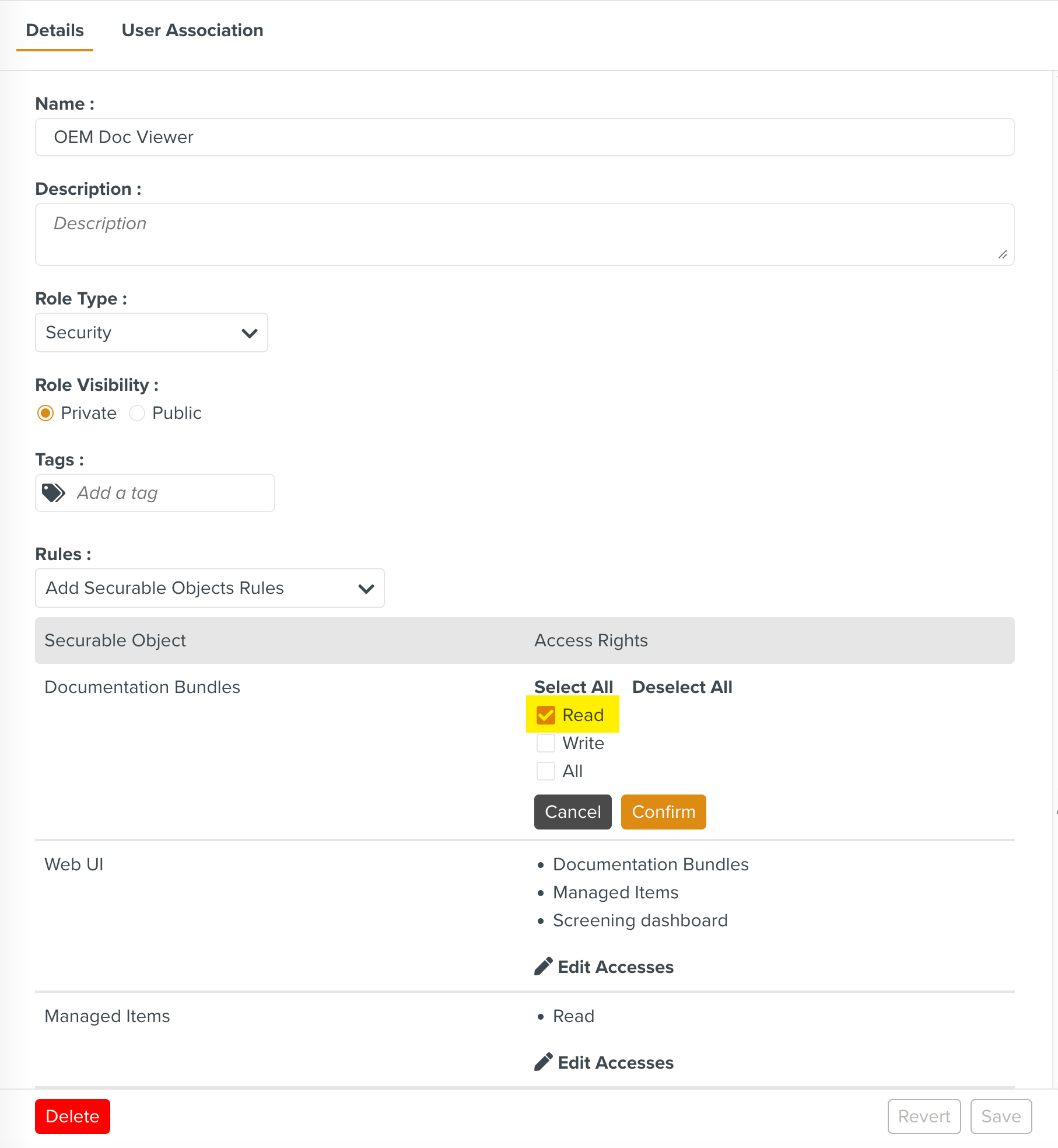
Note
By checking the option the user can upload the Manuals and manage the revisions.
By checking the option the user can perform both and access.
Click .
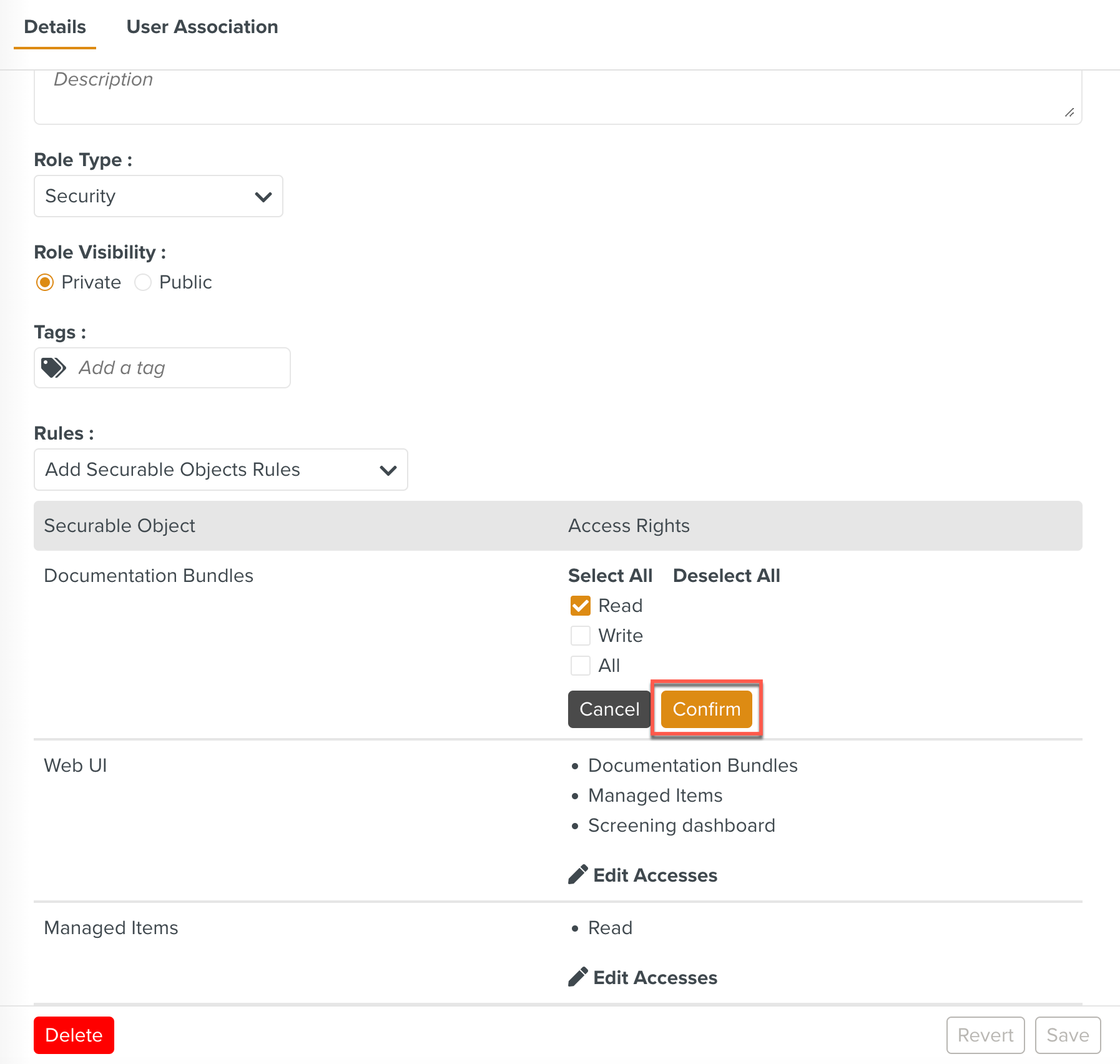
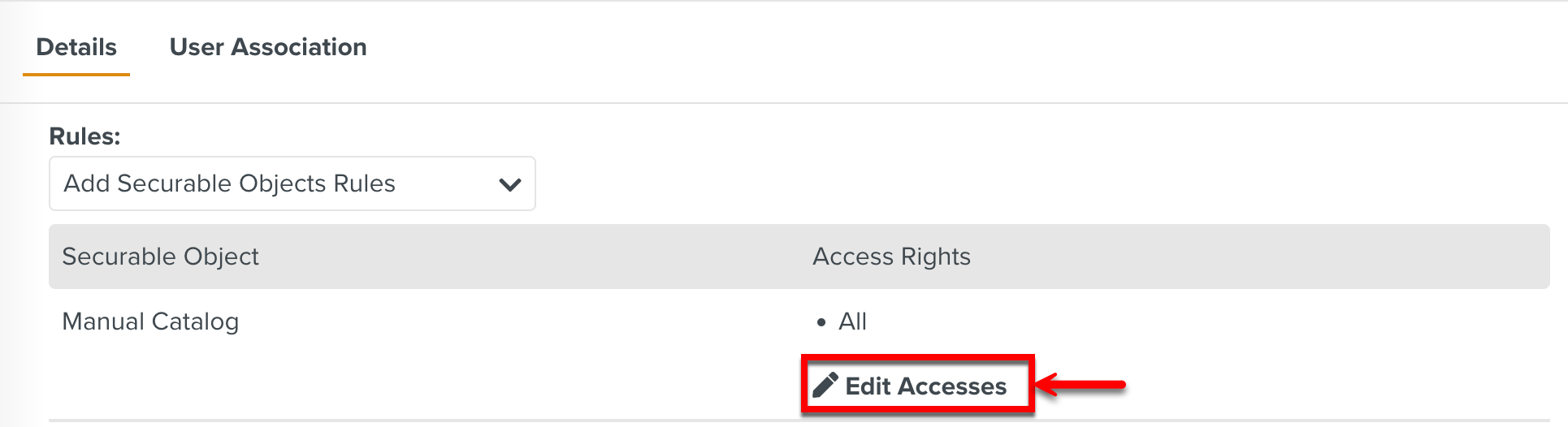
Click against the Securable Object Manual Catalog Management to add access rights for COC status management UI.
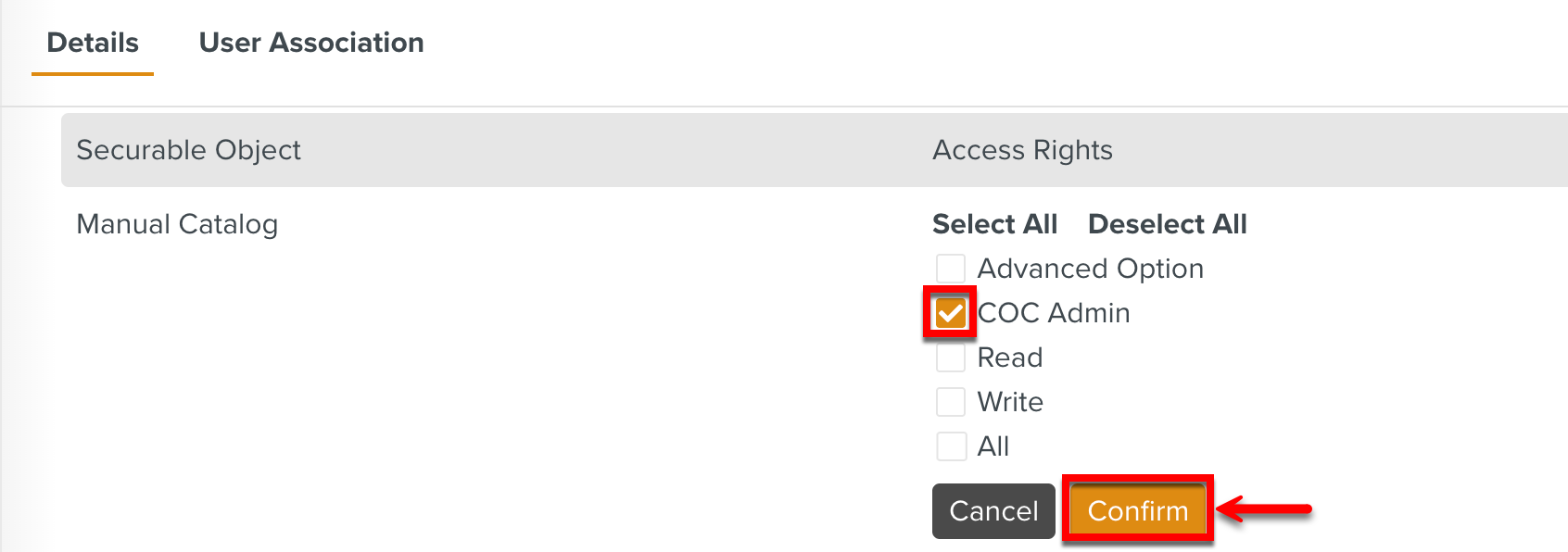
Selecting COC Admin enables the CoCs Stage Release option on the Manual elements in the Manual Describer.
Click .
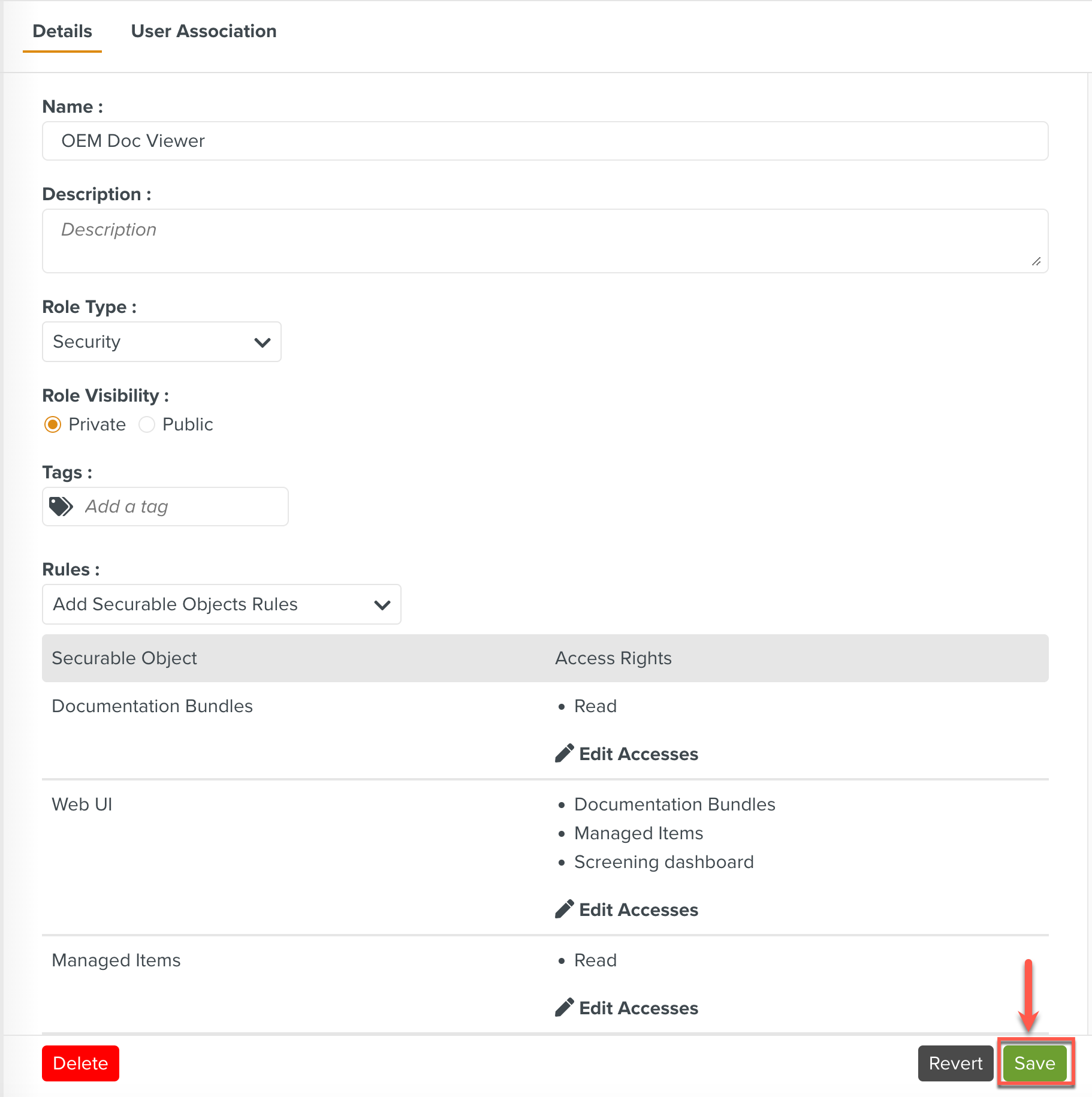
The Access Rights have been successfully added to this Role. Any user associated with this Role will be able to browse the Manuals or read the content of the Manuals.
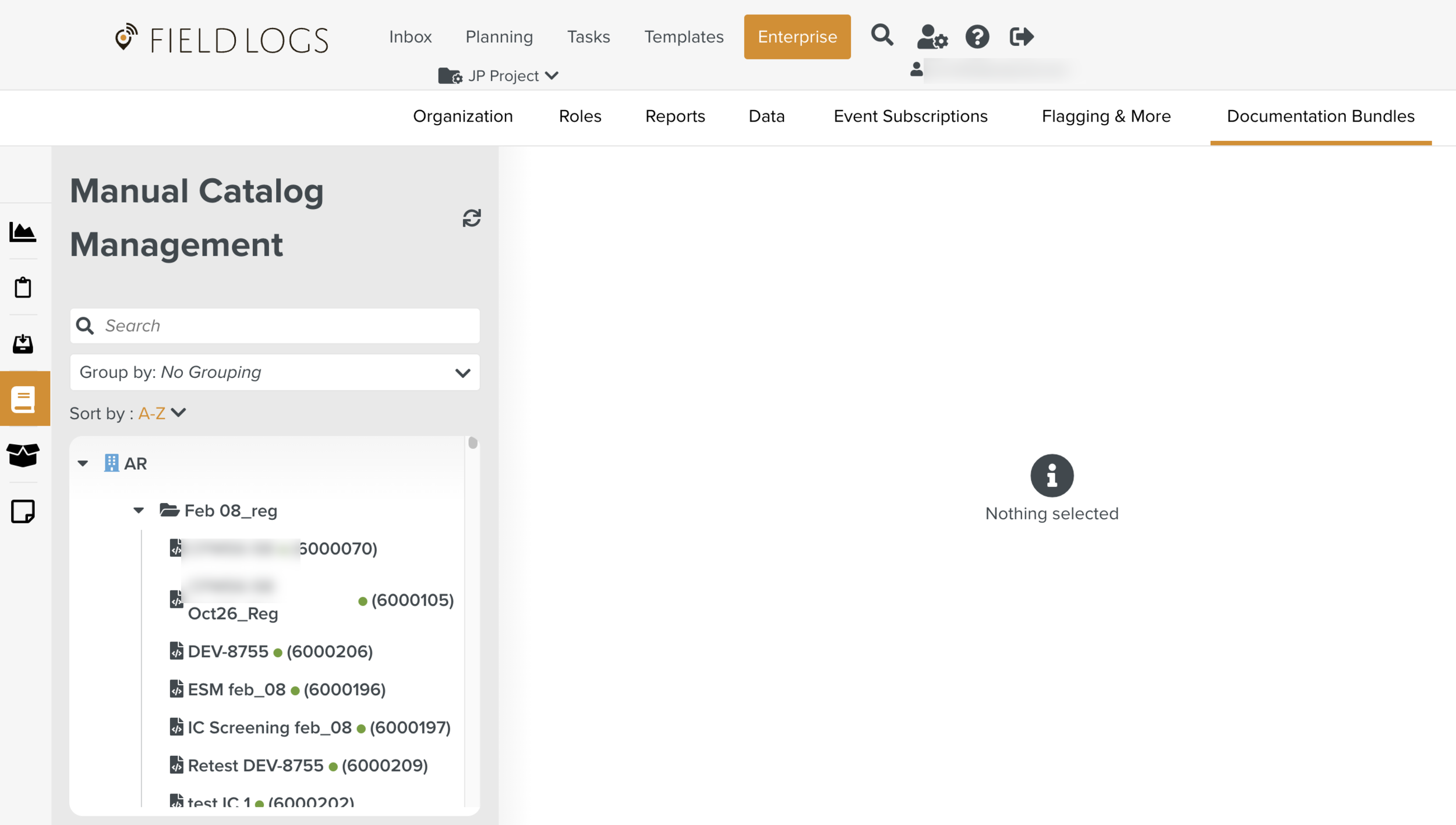
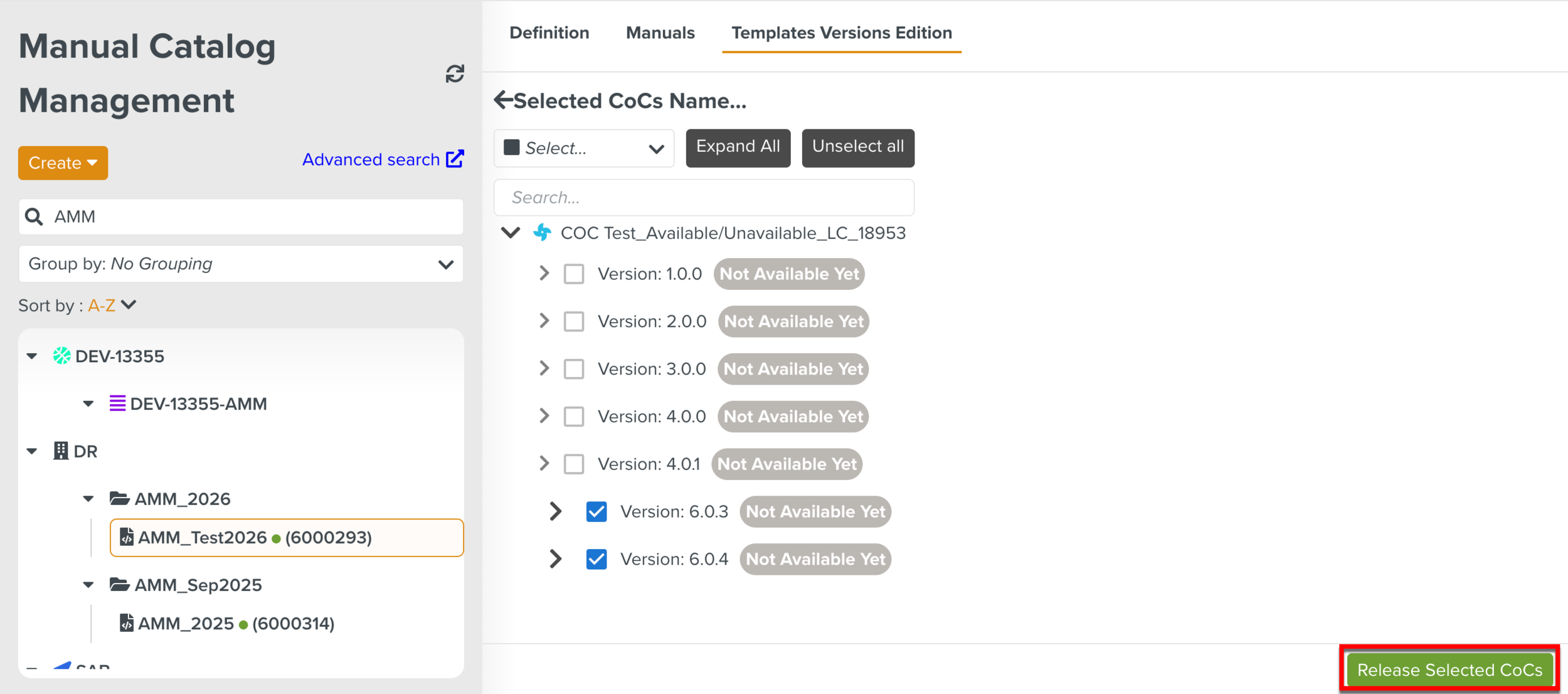
Also, the user can access the Templates Versions Edition tab to release the COC Template versions.