Using the Inbox - Application
For more information about the controls used in FieldLogs, read Controls.
The Inbox is the section where you can view your Tasks.
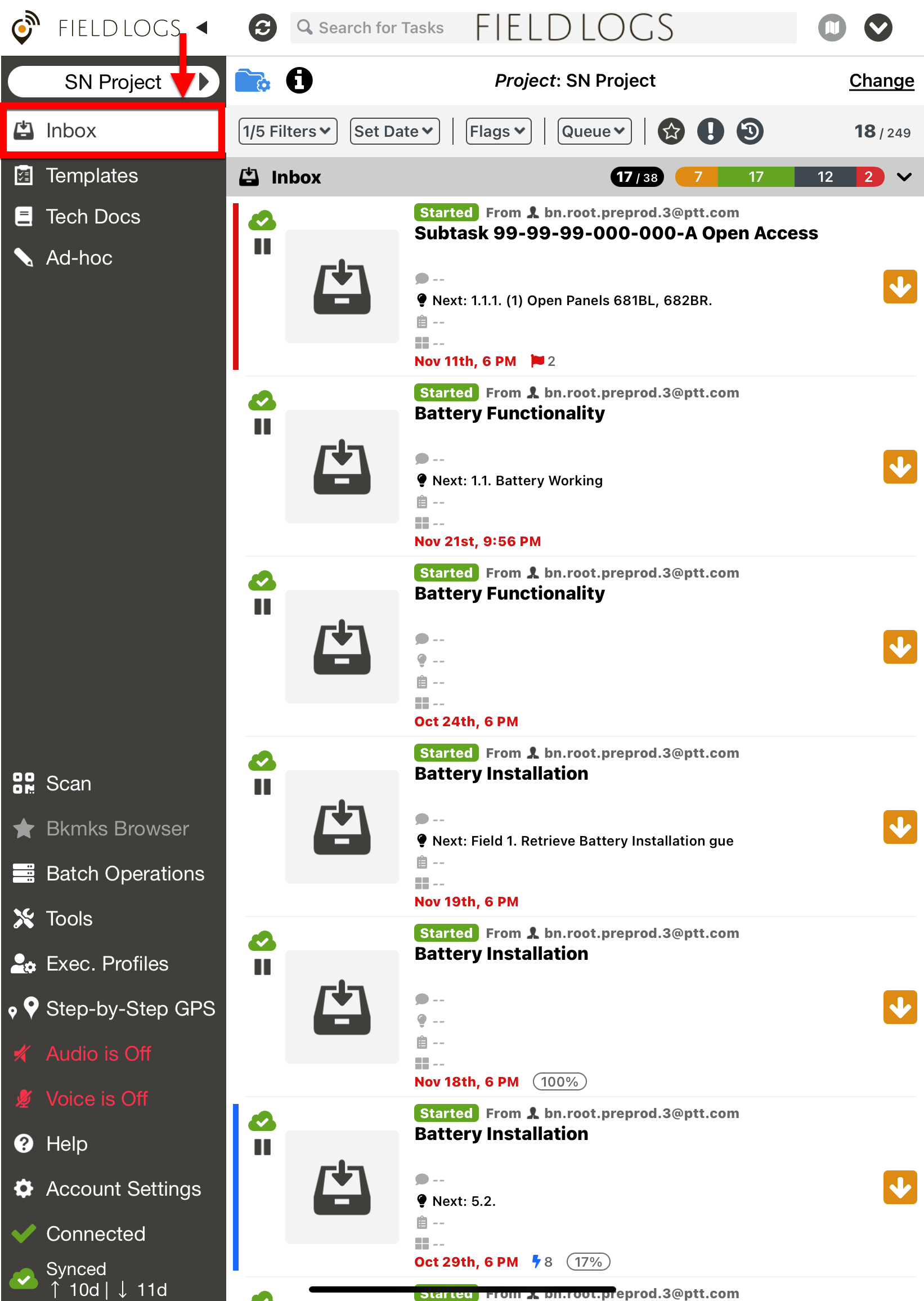 |
The layout of the page has three distinct areas as indicated below:
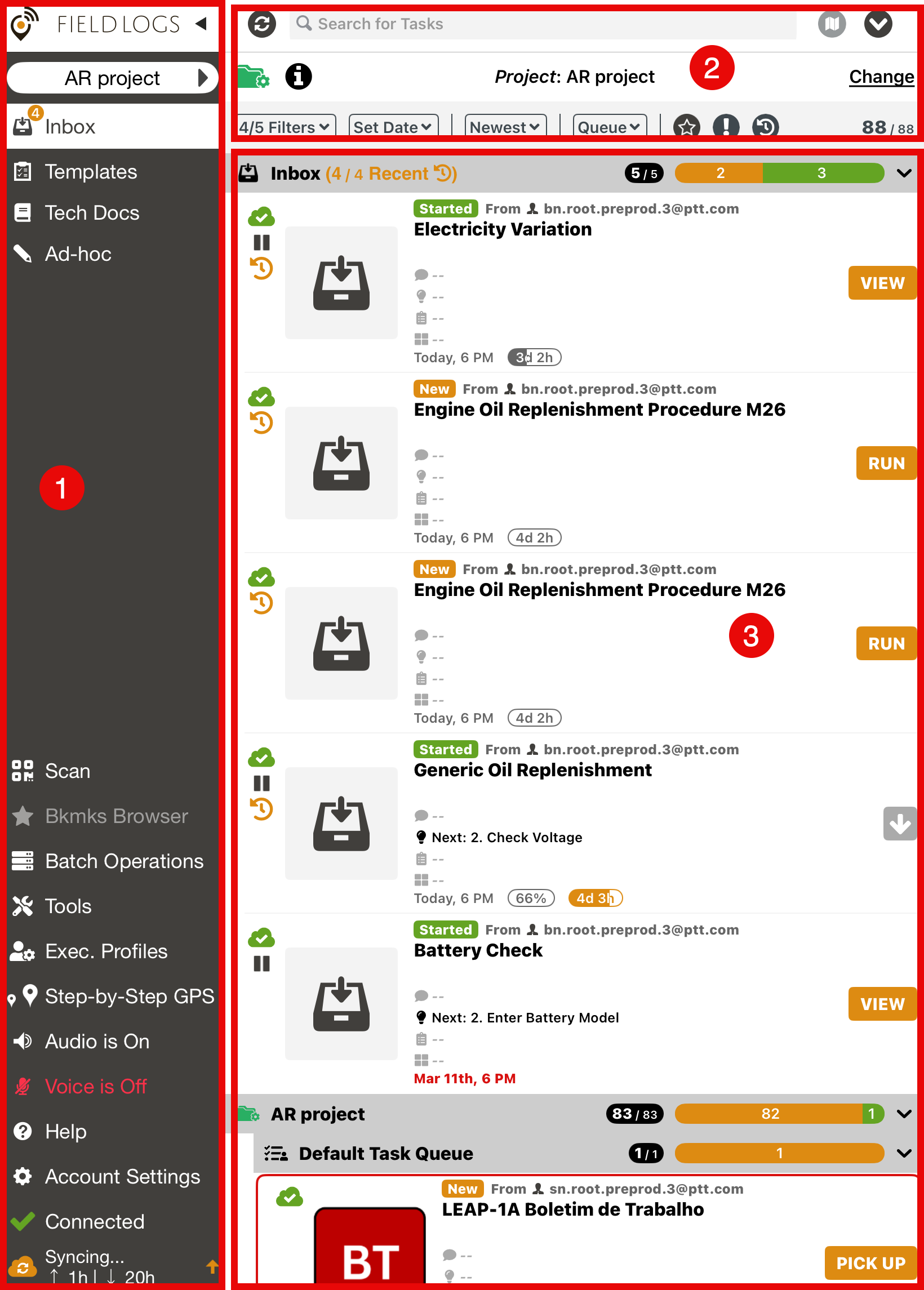 |
The main menu, to navigate through the application.
The filters header to filter the Tasks in your , search for Tasks, and access Task Queues.
The Inbox, which displays Task header and Task Cell.
Task Headers
 |
Task and Project headers show a progress bubble
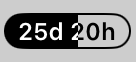 that fills from left to right based on the total estimated time of all Tasks, giving a clear view of overall progress.
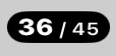 indicates that 36 Tasks match the applied filter, out of a total of 45 Tasks.
Task status colors
 are defined as follows :
Orange – New Tasks
Green- Started Tasks
Black – Completed Tasks
Grey – Blocked tasks
Red – Errors
Task Cell
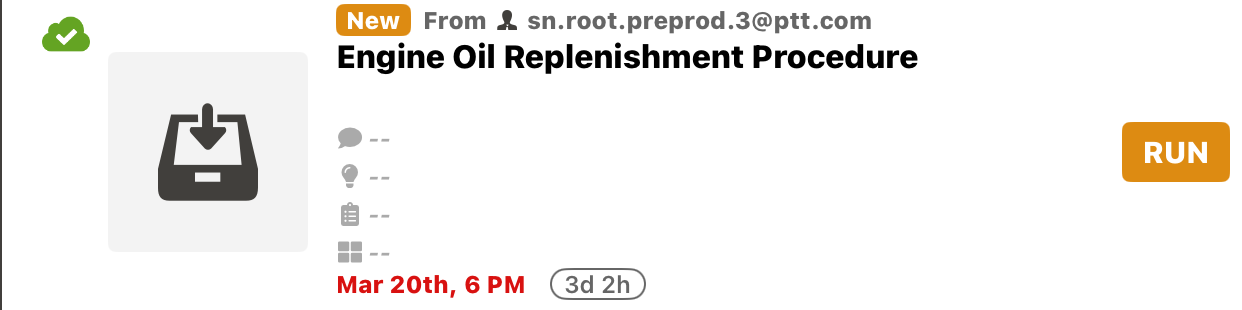 |
The Task cells present the information about each Task as shown below:
Task Assigned by: sn.root.preprod.3@ptt.com
Task Name: Engine Oil Replenishment Procedure
Create on: March 20th, 6 PM
Estimated Duration:
This icon
 indicates the Template has been synced.