2 - Create a Task with a unique Task Identifier
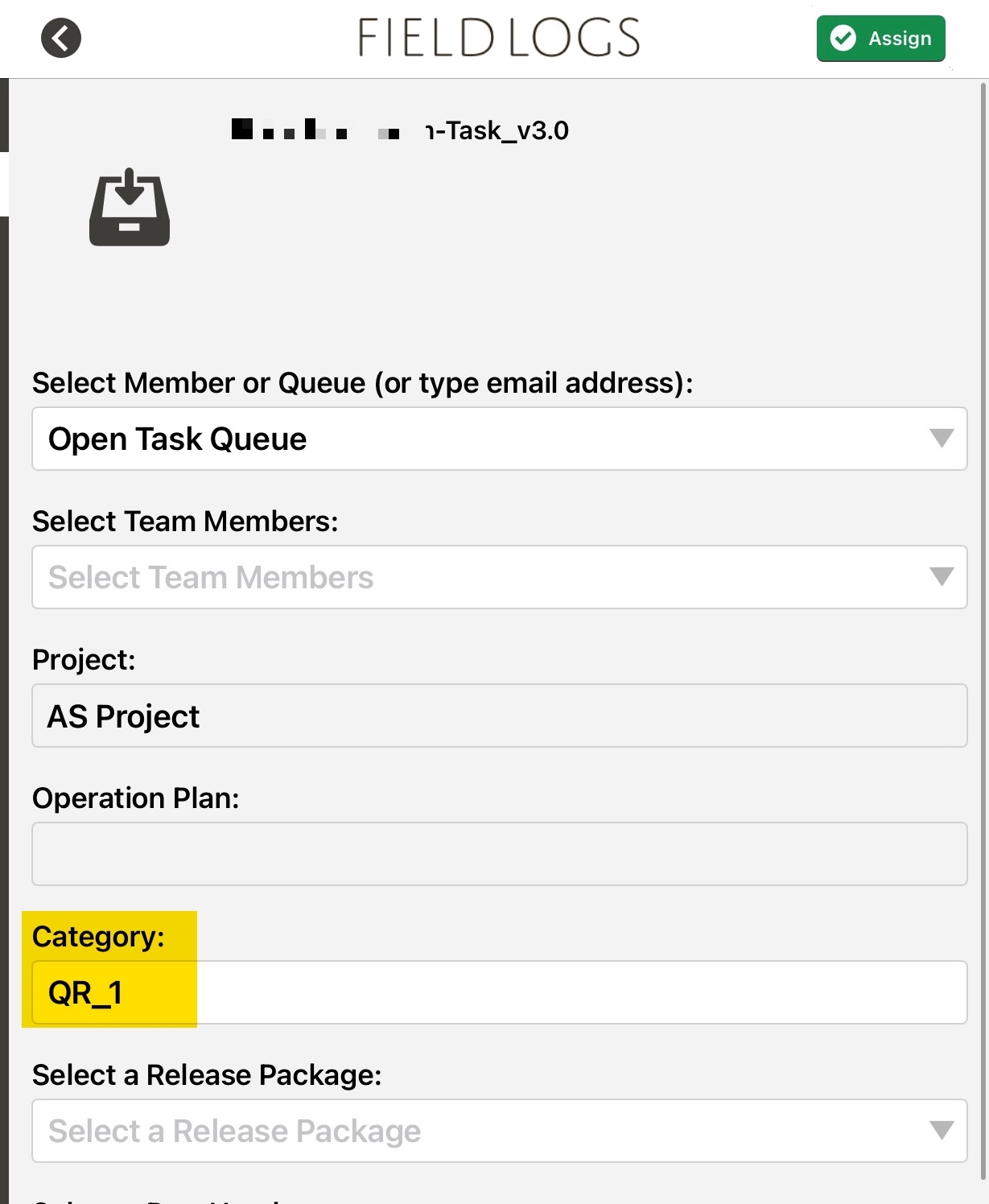
This QR code creates a Task with a unique Task identifier. When this QR code is scanned, the user is directed to the Assign Task page within the mobile application.
Important
Ensure that the Task Identifier provided is not a duplicate.
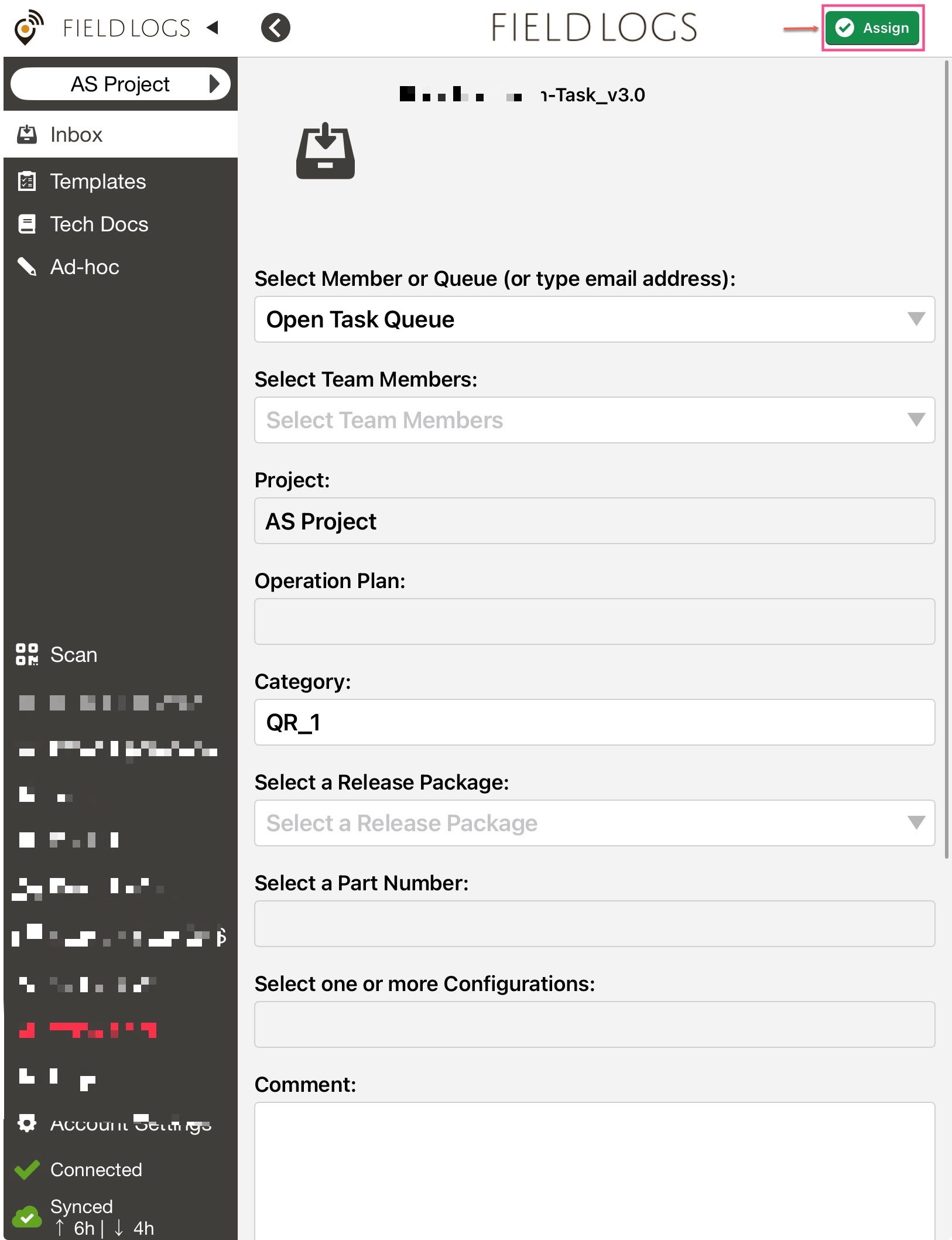 |
A sample JSON for this action is as follows:
{ "publishedId": "ABCD01", "action": "1", "projectId":"12345Id", "queueId": "12345 ", "taskIdentifier": "TSK_ID_12102025", "category": "QR_1" }
The attributes in the JSON are described below.
Attribute | Type | Required | Description | |
|---|---|---|---|---|
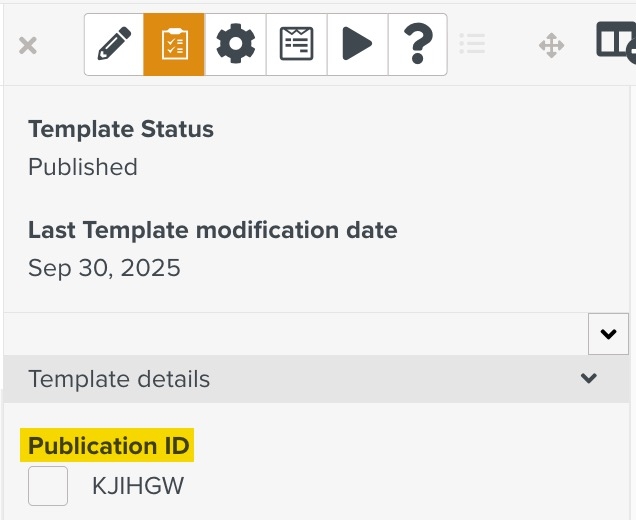
| String | Y | Publication ID of the Template
| |
| Integer | Y | Takes the value "2" | |
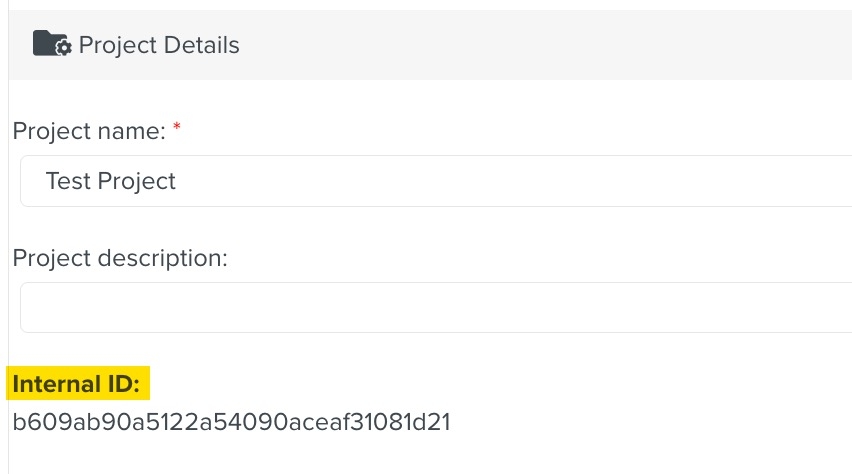
| String | Y | Project ID of the created Task. (Default = Currently Selected Project)
| |
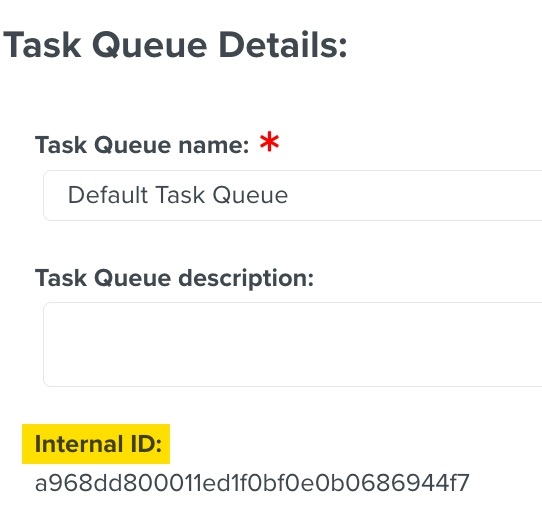
| String | Y | Queue ID to which the Task is assigned (Default = No Queue)
| |
| String | Y | Unique Identifier of the Task | |
| String | Y | You can enter any string here. It will appear as the category of the Task.
|